- Ninja AI Tools
- Posts
- 🥷 AI Website Builders Level Up + Anthropic’s Massive Deal + New Tools
🥷 AI Website Builders Level Up + Anthropic’s Massive Deal + New Tools

Ninja AI Tools
May 22, 2026
In partnership with


🥷 Hello AI Ninja,
Today we’re breaking down an AI website builder that can generate production-ready WordPress sites from a single prompt, a step-by-step tutorial on building an Android app with Google AI Studio, the top AI prompt testing and optimization tools…and much more!
Let’s get into it. 🚀
Today’s Lineup
🥷 NINJA AI TOOL: Build a Full Website In Minutes With AI
📈 WHAT’S POPULAR: Top Trending AI Websites & Tools
🗞️ WHAT’S HAPPENING: Breaking AI News and Updates
🏆 BEST BY CATEGORY: Prompt Testing & Optimization Tools
🎓 AI TUTORIAL: Build An Android App With Google AI Studio
🔥 HOT OFF THE PRESS: Brand New AI Tool Releases
Read time: 7 mins
Ninja AI Tool
🥷 Build A Production-Ready Website With One Prompt
Most people can launch a simple website today, but getting it production ready is where things usually fall apart. Hosting, speed optimization, SEO, ecommerce setup, mobile responsiveness, and design tweaks quickly turn into a pile of separate tools and subscriptions.
10Web simplifies that process with an AI-powered website builder built around WordPress. You describe the type of site you want, and the platform generates a full website with layouts, content, images, and editable sections.
It also includes hosting, AI editing tools, ecommerce support, SEO optimization, and even Figma-to-website importing. One feature that stood out is the ability to clone and redesign an existing website from a URL, then fully customize it afterward.

Key features:
Build ecommerce stores, client websites, portfolios, blogs, and service business sites from one platform
Avoid juggling separate tools for hosting, design, and website management
Use AI editing tools to update layouts and website sections with prompts
Generate website content and make design changes without manual coding
Quickly customize and refine sites after the initial AI-generated build
Who it’s best for: freelancers, agencies, marketers, small business owners, and creators who want WordPress flexibility without the usual technical setup headaches.
If you want to test AI website building without spending days configuring everything manually, 10Web offers a free way to get started.
The Architecture Behind AI-Native Revenue Automation

In our new white paper, The Architecture Behind AI-Native Revenue Automation, Tabs CTO Deepak Bapat breaks down what it actually takes to apply AI to revenue workflows without breaking the books.
You’ll learn why probabilistic reasoning isn’t enough for finance, how Tabs pairs LLMs with deterministic logic, and why a unified Commercial Graph is the foundation for scalable, audit-ready automation. From contract interpretation to cash application, this paper goes deep on where AI belongs—and where it absolutely doesn’t.
If you’re evaluating AI for billing, collections, or revenue operations, this is the architecture perspective most vendors won’t show you.
Top Trending AI Tools
Here’s what’s trending right now based on usage and creator buzz.
Command A+ → Cohere’s new open-source agentic AI model built for enterprise reasoning, tool use, and autonomous workflows.
NanoClaw → secure, lightweight, open-source alternative to OpenClaw for running isolated AI agents across apps like Slack, Discord, and WhatsApp.
Contract Intelligence → Harvey’s legal agents that automate the first pass of inbound contract review, analysis, and drafting for legal teams.
Gemini Omni Flash → Google’s new multimodal AI video model that creates and edits videos through conversation using text, images, audio, and clips.
Breaking AI News
Stay current with the most important developments in AI.

Anthropic Signs Massive Compute Deal With SpaceX
Why It Matters → AI labs are now spending billions to secure the computing power needed to stay competitive.Anthropic May Use Microsoft’s Maia AI Chips
Why It Matters → AI companies are aggressively searching for Nvidia alternatives as infrastructure demand keeps rising.California Prepares Workers For AI Disruption
Why It Matters → Governments are starting to prepare for how AI could reshape jobs, wages, and hiring.EY And Microsoft Launch $1 Billion AI Push
Why It Matters → Large businesses are finally moving from AI testing into full enterprise-wide deployment efforts.Manus Founders Seek $1 Billion Meta Buyout
Why It Matters → AI ownership disputes are becoming increasingly tied to global technology and security tensions.Hark Raises $700 Million For AI Assistant
Why It Matters → Investors still believe advanced AI assistants could become the next major consumer platform.
Your ads ran overnight. Nobody was watching. Except Viktor.
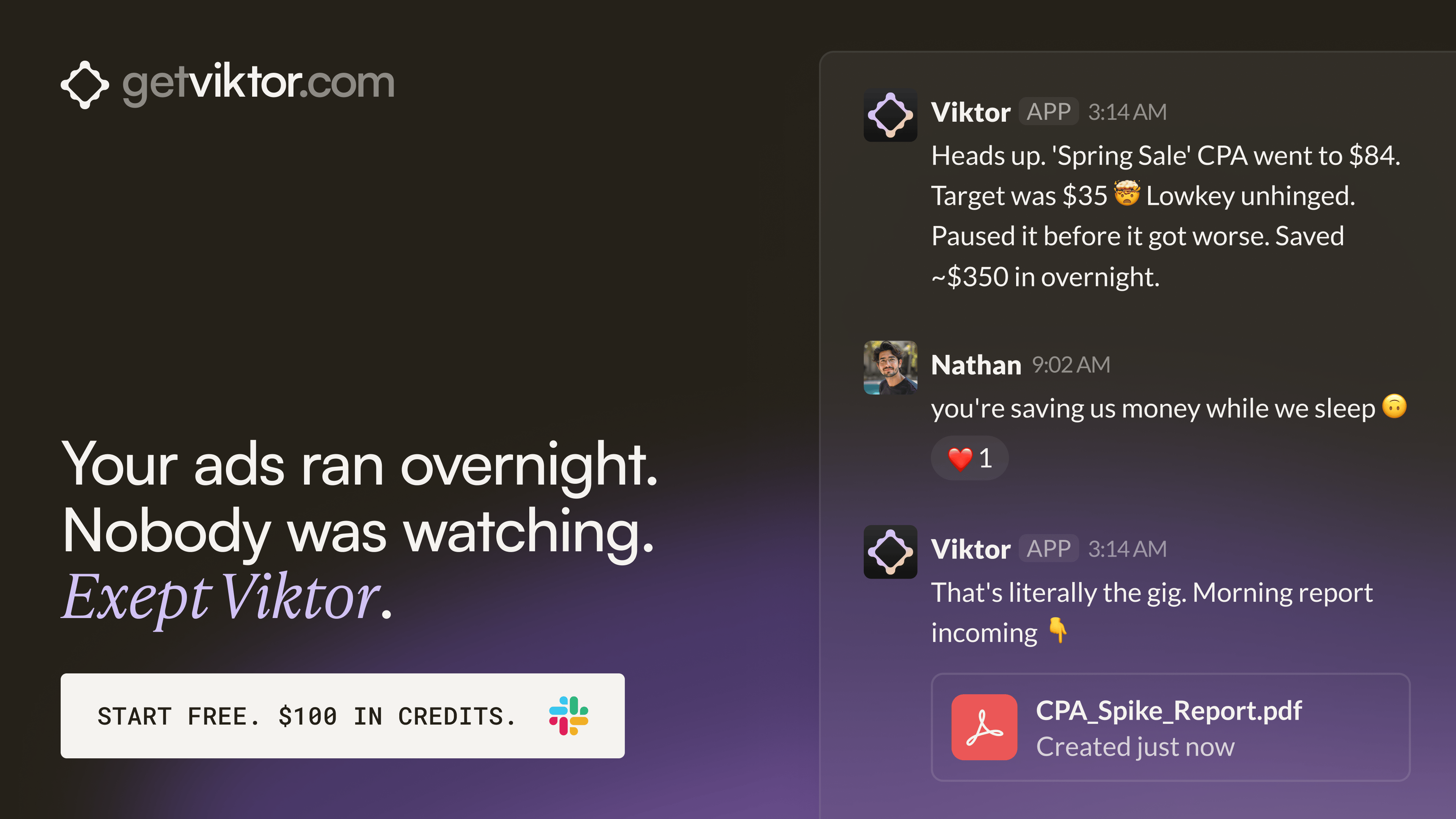
One brand built 30+ landing pages through Viktor without a single developer.
Each page mapped to a specific ad group. All deployed within hours. Viktor wrote the code and shipped every one from a Slack message.
That same team has Viktor monitoring ad accounts across the portfolio and posting performance briefs before the day starts. One colleague. Always on. Across every account.
Best by Category
The Top 4 AI Prompt Testing & Optimization Tools
Tool Name | Best For | Standout Feature | Price |
|---|---|---|---|
Prompt workflow management | Visual prompt versioning | Free, Pro $49/mo | |
LLM workflow debugging | Tracing and evaluations | Free, Usage-based paid | |
Prompt evaluation testing | Automated prompt evals | Free, Team paid | |
LLM app observability | End-to-end prompt tracing | Free, Usage-based paid |
AI Tutorial
How To Build An Android App With Google AI Studio
You don’t need to start in Kotlin or Android Studio anymore. Google AI Studio can create native Android app prototypes from a natural language prompt using Kotlin and Jetpack Compose.

Go to Google AI Studio and sign in.
Open Build mode.
Choose the Android app option.
Describe the app you want to create.
Add details about screens, features, and behavior.
Generate the first version of the app.
Preview it in the browser-based Android emulator.
Ask AI Studio to fix layout, copy, or feature issues.
Install it on a physical Android device for testing.
Export the project or publish it to an internal testing track if you have a Google Play developer account.
RESULT
You now have a native Android app prototype created from a prompt. You can test it on a real device and continue improving it before turning it into a production app.
Brand New Releases
I slice through the noise to bring you the best and coolest new AI tools, apps and websites worth your time.
Tweetmonials → turn positive X posts into embeddable testimonial cards, badges, and social proof widgets for websites.
Articuler → matches you with the right professionals and helps craft personalized outreach for jobs, fundraising, sales, and partnerships.
Genpire → turns ideas, sketches, and prompts into factory-ready designs, tech packs, and manufacturing specs.
Hoogly → replaces traditional surveys with anonymous conversational AI to improve workplace culture and team performance.
Yeta AI → live streaming platform that helps creators generate, manage, and automate interactive livestream content in real time.
That’s a wrap!
Have a great weekend. I’ll see you in your inbox on Monday at 12PM Eastern Standard Time.
Brad Gaines @NinjaAiTools
What did you think of this newsletter? |