- Ninja AI Tools
- Posts
- 🥷 Fresh AI Finds: Trending Sites, Big Headlines, Ranked Tools
🥷 Fresh AI Finds: Trending Sites, Big Headlines, Ranked Tools

Ninja AI Tools
April 09, 2026
In partnership with


🥷 Hello AI Ninja,
Today we’re covering an always-on AI worker that runs directly on your computer, the AI tools gaining serious momentum right now, and the biggest headlines shaping the AI arms race.
But that’s not all…
A step-by-step tutorial for creating AI video clips with Google Vids, the best avatar and talking-head generators by category, and the newest AI tools worth exploring.
Let’s get into it. 🚀
Today’s Lineup
🥷 NINJA AI TOOL: OpenClaw Finally Has Real Competition
📈 WHAT’S POPULAR: Top Trending AI Websites & Tools
🗞️ WHAT’S HAPPENING: Breaking AI News and Updates
🎓 AI TUTORIAL: Create AI Video Clips With Google Vids
🏆 BEST BY CATEGORY: Avatar & Talking Head Generators
🔥 HOT OFF THE PRESS: Brand New AI Tool Releases
Read time: 5 mins
Ninja AI Tool
🥷 This AI Turns Your Computer Into An Always-On Worker
Too many AI tools promise automation but still leave you doing the busywork.
Sorting downloads, running scripts, building small tools, and jumping between apps all add up.
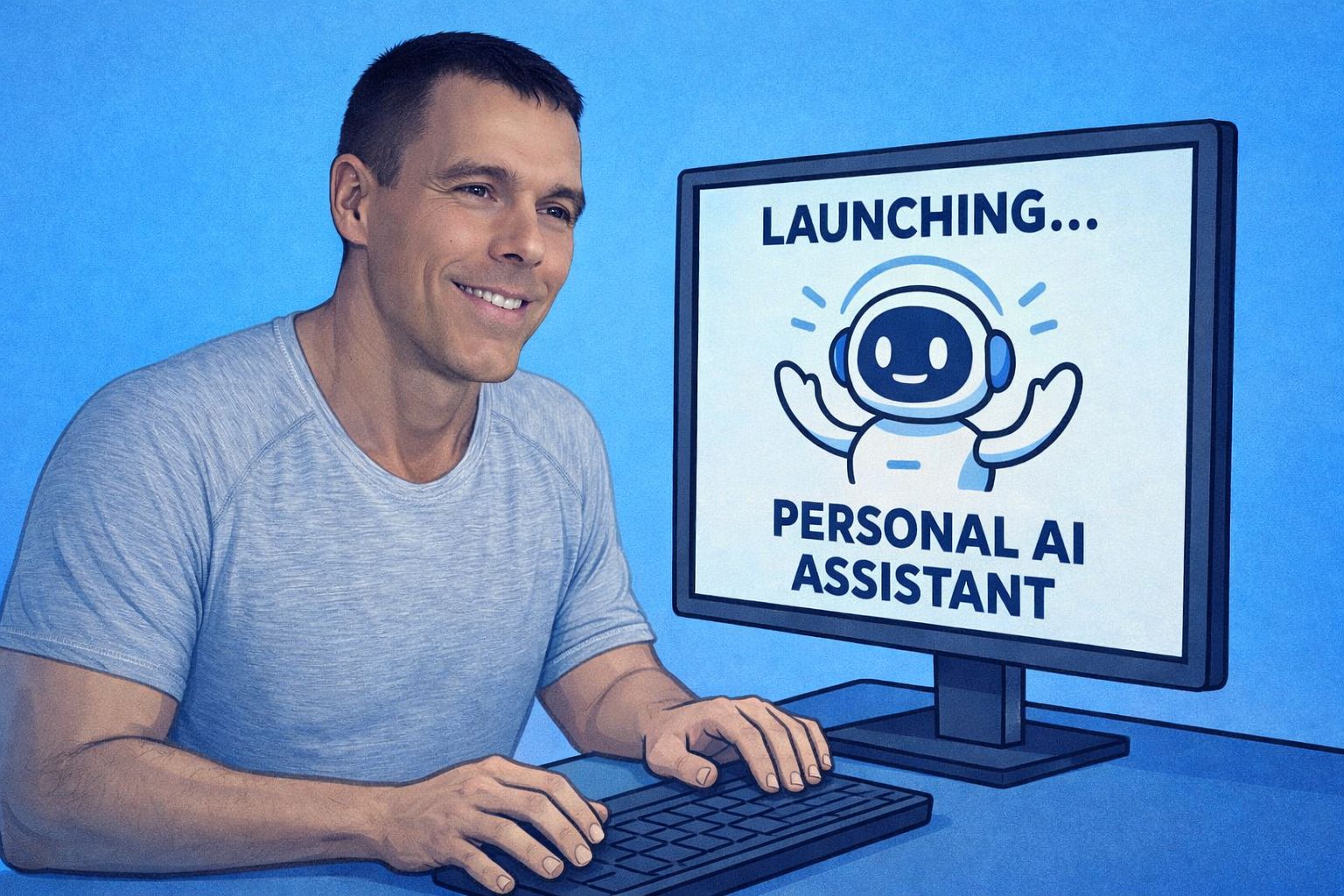
Manus recently launched My Computer, a new desktop feature that turns your own machine into an AI worker that can read files, run commands, and complete tasks directly on your computer.
In plain language, you install Manus Desktop, grant access to selected folders, and it starts working. No API keys. No complex setup. It works on Mac and Windows, and you are set up in under a minute.
Key features include:
Reads and organizes local files, like cleaning up messy downloads
Runs commands and builds apps or workflows on your machine
Remote control from other devices, with Android available and iOS coming soon
Always on AI worker while your computer is running
Starts around twenty dollars per month
Real world use cases are practical. Clean up years of downloads, generate small utilities, automate repetitive tasks, or build quick internal tools without writing code.
Best for: freelancers, marketers, developers, students, and anyone drowning in digital clutter.
You can learn more and get 1000 free credits for new users here.
I also posted a short Instagram reel showing it in action if you want a quick demo.
Turn AI Into Extra Income

You don’t need to be a coder to make AI work for you. Subscribe to Mindstream and get 200+ proven ideas showing how real people are using ChatGPT, Midjourney, and other tools to earn on the side.
From small wins to full-on ventures, this guide helps you turn AI skills into real results, without the overwhelm.
Top Trending AI Tools
Here’s what’s trending right now based on usage and creator buzz.
Avatar V → HeyGen’s AI avatar model that turns a short recording into a realistic digital twin for generating consistent, studio-quality videos.
Muse Spark → Meta’s multimodal reasoning AI that coordinates multiple agents to analyze text, images, and tools to solve complex tasks.
Clicky → Open-source AI teacher that watches your screen and guides you step-by-step from beside your cursor.
SWE-1.6 → Cognition’s updated coding AI for faster performance and smoother multi-step agent software engineering workflows.
Breaking AI News
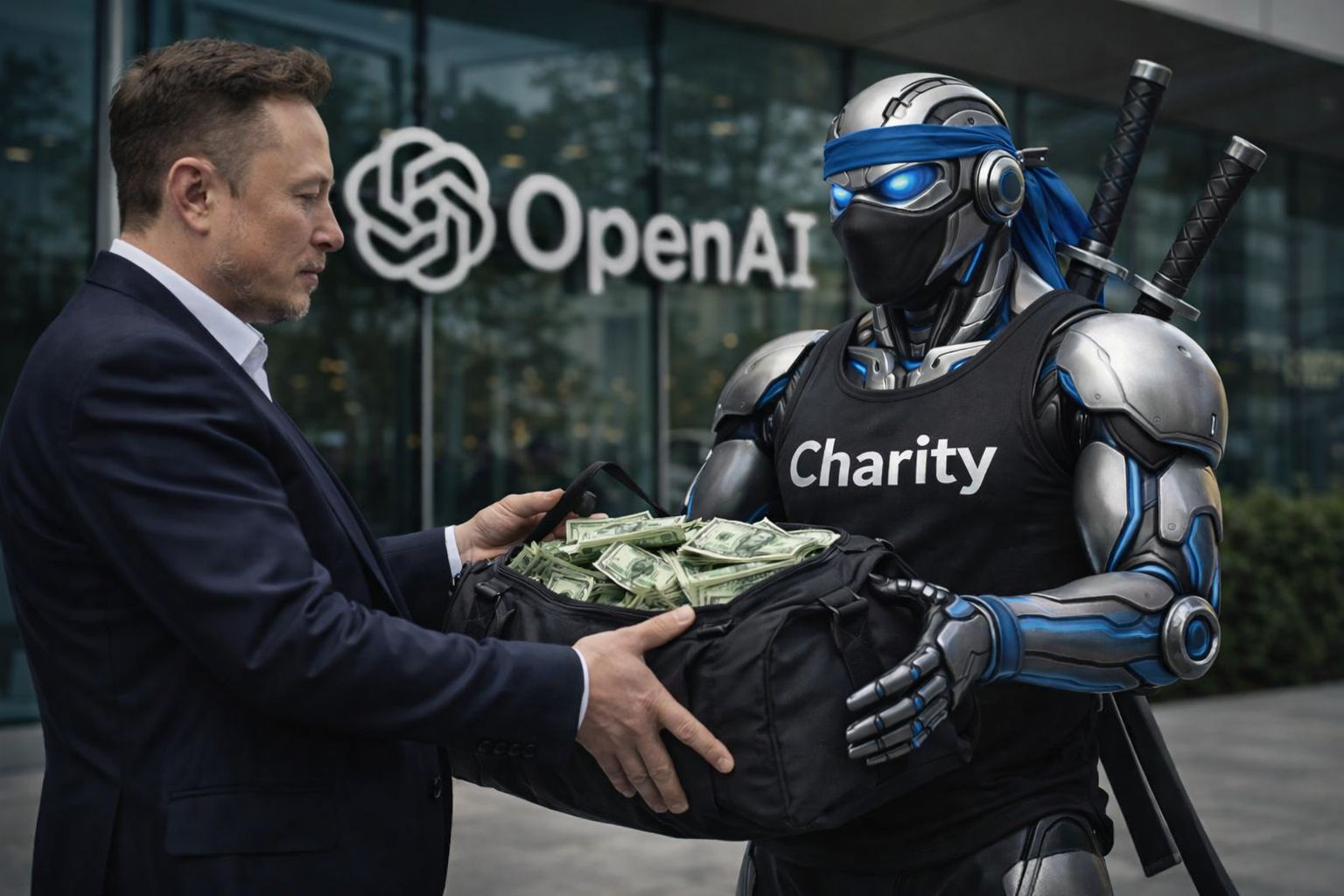
Elon Musk Wants OpenAI's Billions to Go to Charity, Not Himself
Why It Matters → A $150 billion lawsuit over OpenAI's soul could reshape who controls the most powerful AI lab on earth.Meta's New Superintelligence Lab Just Shipped Its First Model
Why It Matters → A reasoning model baked into WhatsApp and Instagram puts personal AI inside apps billions use daily.Meta Locked In $21 Billion With CoreWeave to Win the AI Arms Race
Why It Matters → Securing Nvidia compute through 2032 tells every rival the infrastructure race is too important to lose.Anthropic Now Hosts Your AI Agents So Developers Can Ship Faster
Why It Matters → Ready-made memory and orchestration means the gap between a good AI idea and deployment just shrank.Perplexity's Revenue Jumped 50% in One Month by Ditching Search
Why It Matters → Surging past $450 million by pivoting to agents tells every startup where the real money is flowing.OpenAI Built a Child Safety Blueprint With Law Enforcement
Why It Matters → A framework to catch AI-generated abuse early could become the legal standard every company follows.A Former xAI Co-Founder Just Joined Jeff Bezos' Secret AI Lab
Why It Matters → Top talent defecting to a stealth Bezos-backed venture means a major new competitor may be forming.Canva Bought Two AI Startups to Automate Your Marketing Funnel
Why It Matters → Adding agents to a tool hundreds of millions use daily could make Canva the biggest AI platform.HeyGen Can Now Clone Your Video Avatar From a 15-Second Clip
Why It Matters → An AI that separates your face from your outfit signals that video identity is now permanently flexible.
AI Tutorial
How to Create AI Video Clips With Google Vids
You don’t need advanced editing skills to make short AI video clips now. Google Vids lets you generate clips from a prompt with Veo 3.1, then add them into your video project.
Steps
Go to Google Vids and sign in.
Open a new Vid or an existing one.
Select Veo 3.1 from the start menu or side panel.
Choose Create from Scratch.
Pick Landscape or Portrait if needed.
Enter a detailed text prompt.
Click Generate.
Review the generated clip.
Edit the prompt and regenerate if needed.
Click Insert to add the clip to your Vid.
Result:
You now have an AI-generated video clip inside your Google Vids project that you can use in a presentation, tutorial, or promo video.
Go from AI overwhelmed to AI savvy professional

AI will eliminate 300 million jobs in the next 5 years.
Yours doesn't have to be one of them.
Here's how to future-proof your career:
Join the Superhuman AI newsletter - read by 1M+ professionals
Learn AI skills in 3 mins a day
Become the AI expert on your team
BEST BY CATEGORY
AI Avatar & Talking Head Generators
Tool Name | Best For | Standout Feature | Price |
|---|---|---|---|
Marketing and creator teams | Fast custom digital twins | Starts at $29/month | |
Training and internal comms | Studio-grade custom avatars | Starts at $89/month | |
Learning and onboarding teams | Interactive videos with branching | Starts at $19/month | |
Photo-based talking heads | Single-image presenter generation | Starts at $4.70/month |
Brand New Releases
I slice through the noise to bring you the best and coolest new AI tools worth your time.
GeneratePPT → turns your topic, notes, or files into a clean, ready-to-use PowerPoint presentation in seconds.
Gerri → automatically reviews, redlines, and routes contracts based on your company’s rules to speed up deal approvals.
Klick Photo → AI camera app that gives real-time composition and framing guidance to help you take better photos instantly.
PixVerse → AI video generator that turns text prompts or images into realistic, animated videos in seconds.
That’s a wrap!
Have a great day. I’ll see you in your inbox tomorrow at 12PM Eastern Standard Time.
Brad Gaines @NinjaAiTools
What did you think of this newsletter? |