- Ninja AI Tools
- Posts
- 🥷 Fresh From the AI Frontlines: New Tools and Breaking News
🥷 Fresh From the AI Frontlines: New Tools and Breaking News

Brad Gaines
December 09, 2025
In partnership with


Buckle up, AI Ninja! Here's what's on the agenda today…
🥷 NINJA AI TOOL: Photos to Scroll-Stopping Ads in Seconds
📈 WHAT’S POPULAR: Top Trending AI Websites & Tools
🗞️ WHAT’S HAPPENING: Breaking AI News and Updates
📉 AI TOOLS RANKED: Best Tools on the Shopify App Store
🎓 AI TUTORIAL: How To Get Organized With Google Keep
🔥 HOT OFF THE PRESS: Brand New AI Tool Releases
NINJA AI TOOL
🥷 Turn Product Photos into Scroll-Stopping Ads in Seconds
If you've ever burned hours bouncing between design tools, copy generators, and analytics dashboards just to get a few ad creatives out the door, you're not alone. AdCreative aims to fix that mess by giving you one streamlined platform for everything from idea to execution.

At its core, AdCreative uses AI to generate conversion-focused ad creatives — including banners, copy, product photoshoots, and even videos — in seconds. Whether you're launching a campaign or iterating on what already works, it helps you move faster without sacrificing quality.
Key Features Include:
AI-powered ad generation for images, copy, and product videos
Website scanner to auto-generate ad assets based on your site
Creative scoring to predict performance before you spend money
Competitor tracking and insights
Built-in tools for background removal, image upscaling, face enhancement, and more
Real-world benefits:
You can upload a product photo and instantly get high-quality banner ads or videos tailored for platforms like Instagram or Google. No designer? No problem. Testing new messaging? Let the AI generate variants to see what sticks. If you manage multiple clients or product lines, AdCreative helps you scale without burning out.
Who it's best for:
Marketers, e-commerce sellers, solo founders, and agencies who need high-performing ads but can’t afford to waste time (or budget) on endless creative cycles.
If your creative process feels like a bottleneck, this might be worth exploring.
Holiday Deal: Their Christmas offer is live! Get 50% off, plus free access to the Mobile App and Pro Features.
A MESSAGE FROM OUR PARTNER
200+ AI Side Hustles to Start Right Now

AI isn't just changing business—it's creating entirely new income opportunities. The Hustle's guide features 200+ ways to make money with AI, from beginner-friendly gigs to advanced ventures. Each comes with realistic income projections and resource requirements. Join 1.5M professionals getting daily insights on emerging tech and business opportunities.
TOP TRENDING AI TOOLS
Here’s what’s trending right now based on usage and creator buzz.
Seedream 4.5 → ByteDance’s upgraded AI model for generating and editing highly detailed, consistent, and professional-quality images.
BioMed Agent → AI co-scientist that helps biomedical researchers perform complex analyses and design experiments through one unified interface.
Rnj-1 → open-source AI model from Essential AI designed to provide strong, efficient performance for a wide range of language and reasoning tasks.
Unwrap Customer Intelligence → aggregates customer feedback from multiple channels and sends proactive alerts to surface issues early.
BREAKING AI NEWS
What’s happening across the AI world right now.

AI Chips Return to China Under New U.S. Conditions
Why It Matters → The move could reshape global chip access and significantly alter the balance of power in AI hardware.
Enterprises Enter a New Phase of Large-Scale AI Deployment
Why It Matters → Rapid adoption shows AI becoming foundational infrastructure and deepening the productivity divide across global industries.
EU Opens Formal Antitrust Probe Into Google’s Use of Online Content
Why It Matters → The investigation could redefine how AI systems use public data and reshape competitive rules across Europe.
IBM Buys Confluent to Build Real-Time AI Data Infrastructure
Why It Matters → Combining streaming data with enterprise AI could give IBM a powerful edge in next-generation cloud services.
Google Plans AI Smart Glasses Launch for 2026
Why It Matters → Google’s return to wearables may accelerate mainstream adoption of hands-free, always-available AI assistance.
OpenAI and Instacart Enable End-to-End Grocery Shopping in ChatGPT
Why It Matters → Turning meal ideas into real orders shows how AI agents are beginning to automate everyday consumer decisions.
Claude Code Comes to Slack for Instant Coding Assistance
Why It Matters → Automated coding sessions inside team chat could meaningfully reshape how developers build, debug, and ship software.
Essential AI Releases Rnj-1 as an Open-Weight 8B Model
Why It Matters → A strong open model gives teams new flexibility to experiment, customize, and deploy advanced AI capabilities.
Google Confirms Gemini App Will Remain Ad-Free
Why It Matters → Keeping Gemini ad-free could bolster user trust and strengthen Google’s position in the evolving AI app market.
AI TOOLS RANKED
Each issue, I rank tools in a specific category so you know what’s actually worth using. Today? Best AI tools on the Shopify app store.
Tool | Best For | Starting Price | Key AI Feature |
|---|---|---|---|
All-in-one customer service automation | $299/month | AI Agent resolves tickets using all your existing knowledge sources. | |
Free, built-in content generation | Free with Shopify plan | AI-assisted text and image creation right in the Shopify admin. | |
Proactive live chat & AI agent | $24.17/month + add-ons | Lyro AI Agent for automated, FAQ-based conversations. | |
Advanced marketing & ad copy | $69/month | Brand Voice learning for consistent, high-quality content. |
AI TUTORIAL
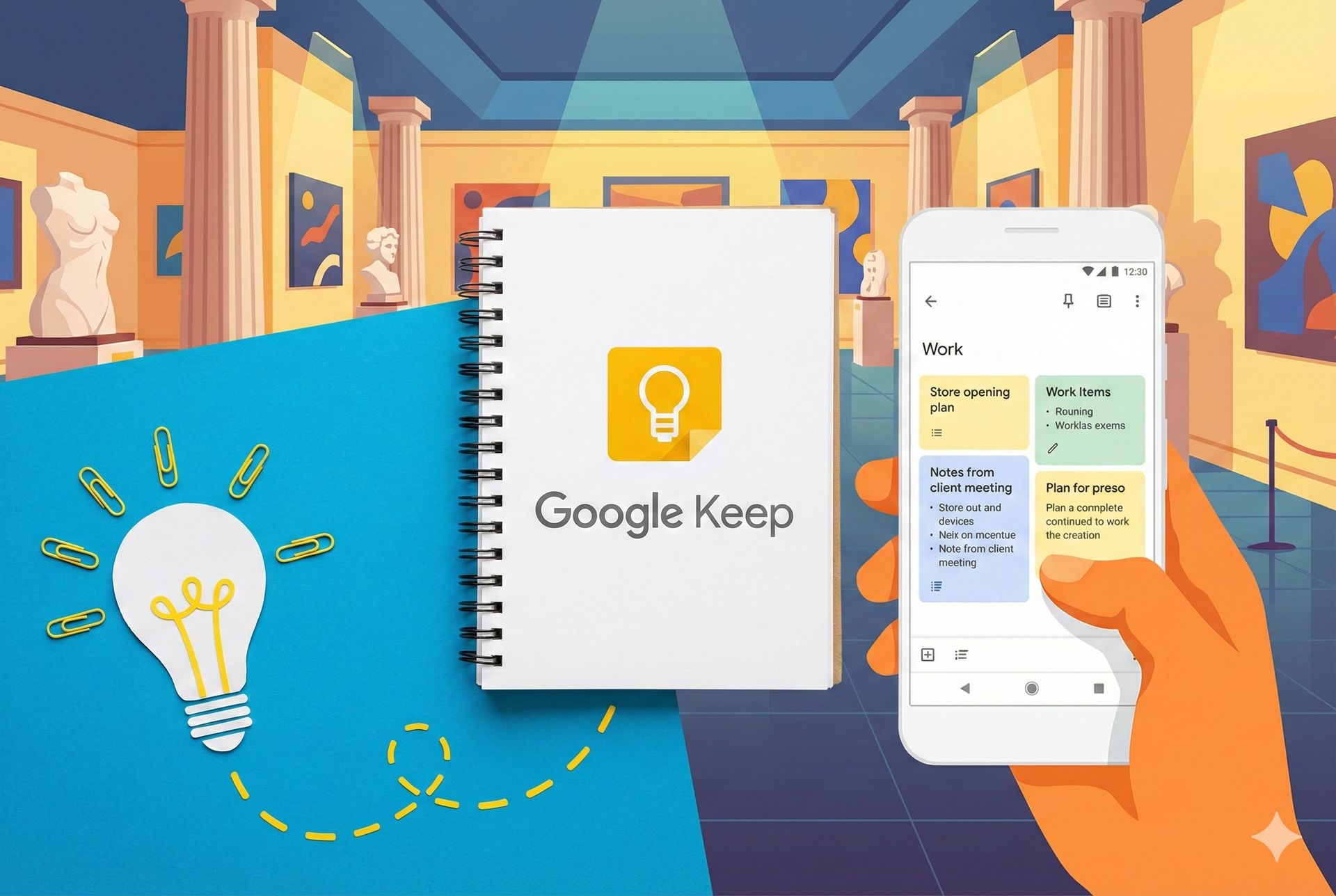
Google Keep: A Step-by-Step Tutorial for Getting Organized
Google Keep may look simple, but these hidden features turn it into a fast, flexible tool for capturing ideas, organizing tasks, and staying on top of your day.
1️⃣ Archive Instead of Delete
Hide notes without losing them.
How: Open note → tap Archive icon → find later in Archive tab.
2️⃣ Save Anything via Share (Mobile)
Capture text, links, or images without opening Keep.
How: Highlight or tap Share → choose Google Keep.
3️⃣ Send Notes to Google Docs
Turn long drafts into formatted Docs.
How: Note → three dots → Copy to Google Docs.
4️⃣ Collaborate on Notes/Lists
Share tasks or plans with others.
How: Note → Collaborator icon (or three dots on mobile) → add email.
5️⃣ Recover Edits with Version History (Desktop)
How: Note → three dots → Version History → download old versions.
6️⃣ Set Time or Location Reminders
How: Note → bell icon → pick time or place → optional repeat.
7️⃣ Use Keyboard Shortcuts (Desktop)
c: new note · l: new list · j/k: navigate · Esc: close
Full list: gear icon → Keyboard Shortcuts.
8️⃣ Color-Code Your Notes
How: Note → color palette → choose color; pin important ones.
BRAND NEW RELEASES
I slice through the noise to bring you the best and coolest new AI tools worth your time.
Swift Missive → pay-as-you-go service for sending transactional emails, newsletters, drip campaigns, and other email marketing.
AIVory → real-time compliance and security scanning (for standards like OWASP, GDPR, SOC 2, etc.) directly in your IDE or AI coding workflow.
Reflection → private journaling app that gives you guided prompts, real-time insights, and tools for personal growth and mental wellness.
Stardrift → AI travel assistant that learns your preferences and builds personalized itineraries around your schedule.
That’s a wrap!
I hope your week is getting off to a great start. I’ll see ya in your inbox tomorrow at noon Eastern Standard Time (U.S.)
Brad Gaines @NinjaAiTools
What did you think of this newsletter? |