- Ninja AI Tools
- Posts
- 🥷 New AI Drops, Hot Trends & Tools Ranked for You
🥷 New AI Drops, Hot Trends & Tools Ranked for You

Ninja AI Tools
April 01, 2026
In partnership with


🥷 Hello AI Ninja,
Today we’re covering an AI tool that turns bad audio into polished videos, the AI tools trending right now, and the biggest headlines shaping the AI race.
Plus, a step-by-step guide to building your own AI knowledge base with Claude, the top AI ad creative generators by category, and brand-new AI tools worth exploring.
Let’s get into it. 🚀
Today’s Lineup
🥷 NINJA AI TOOL: Turn a Mistake Into a Polished Video
📈 WHAT’S POPULAR: Top Trending AI Websites & Tools
🗞️ WHAT’S HAPPENING: Breaking AI News and Updates
🎓 AI TUTORIAL: Personal AI Knowledge Base w/ Claude
🏆 BEST BY CATEGORY: Top 4 AI Ad Creative Generators
🔥 HOT OFF THE PRESS: Brand New AI Tool Releases
Read time: 5 mins
Ninja AI Tool
🥷 Creators Are Quietly Using This To Skip Re-Shoots
Bad audio usually means one thing: re-record everything. That is time you probably do not have.
Dzine Lip Sync fixes that problem by matching new audio to existing video.
I messed up my audio, re-recorded it, uploaded both files, and Dzine delivered smooth, professional lip sync in about five minutes. You genuinely cannot tell it was edited. 🎬

Dzine does more than lip syncing. Key features include:
AI Lip Sync for fast audio fixes
AI Video Generator from text or images
Consistent characters from a photo or prompt
Chat Editor that lets you type changes instead of using timelines or keyframes
In practice, this means fewer reshoots and faster turnaround. Creators can fix mistakes, marketers can update messaging, educators can revise lessons, and freelancers can polish client work without reopening complex editors. It feels less like video editing and more like editing a document. ⚡
Who it’s best for: creators, marketers, freelancers, educators, and anyone producing short-form video regularly.
Most people would reshoot. Dzine turns it into a five minute fix.
You can start free and see if it fits your workflow.
1,000+ Proven ChatGPT Prompts That Help You Work 10X Faster

ChatGPT is insanely powerful.
But most people waste 90% of its potential by using it like Google.
These 1,000+ proven ChatGPT prompts fix that and help you work 10X faster.
Sign up for Superhuman AI and get:
1,000+ ready-to-use prompts to solve problems in minutes instead of hours—tested & used by 1M+ professionals
Superhuman AI newsletter (3 min daily) so you keep learning new AI tools & tutorials to stay ahead in your career—the prompts are just the beginning
Top Trending AI Tools
Here’s what’s trending right now based on usage and creator buzz.
Dzine → New AI Lip Sync matches any audio to faces in images or videos to create smooth, professional talking videos in minutes.
Fauna → Flora’s built-in creative agent that automatically handles model routing and prompting across tools for faster workflows and creation tasks.
Veo 3.1 Lite → Google’s most cost-effective video model for high-volume apps at under 50% the cost of Veo 3.1 Fast with the same speed.
Holo 3 → H Company’s open-weight, state-of-the-art computer-use agent that can see, reason, and operate software to complete tasks automatically.
Breaking AI News
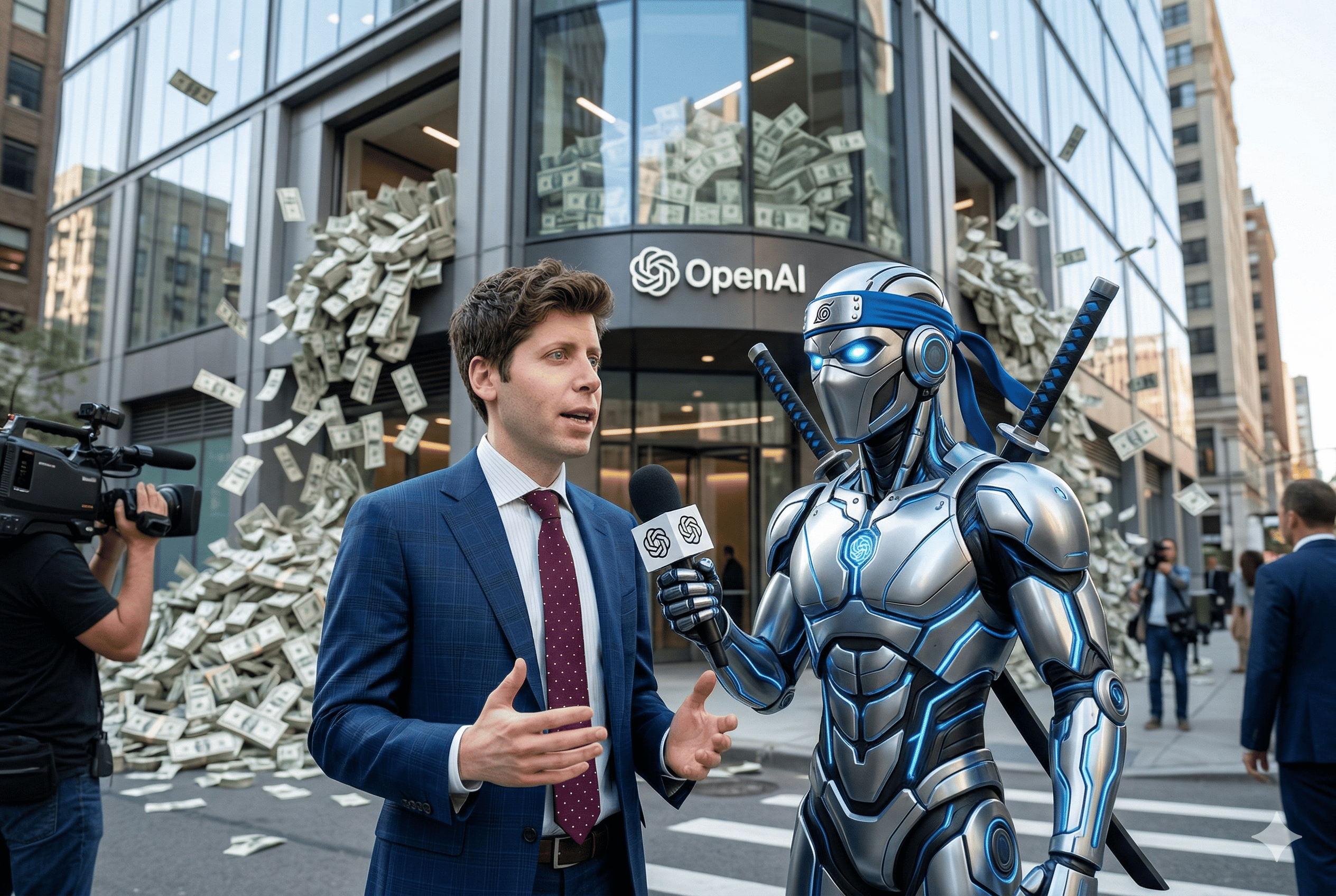
OpenAI Raises $122 Billion
Why It Matters → Massive funding accelerates next-gen AI, pushing toward autonomous tools and reshaping industries faster.
Slack Turns Slackbot Into AI Hub
Why It Matters → A single AI interface for work could replace apps, streamlining productivity across companies.
Google Launches Veo 3.1 Lite
Why It Matters → Cheaper AI video generation unlocks mass adoption for creators, startups, and enterprise tools.
PrismML Introduces 1-Bit Models
Why It Matters → Tiny, efficient AI models enable powerful on-device intelligence without cloud dependency.
Teleport Launches Secure AI Infrastructure
Why It Matters → Safer environments for AI agents make autonomous systems more viable in production.
Anthropic Leaks Claude Code
Why It Matters → Exposed architecture may accelerate competitors building advanced AI coding agents.
Oracle Cuts Jobs For AI Spending
Why It Matters → AI investment reshapes tech workforce as companies redirect resources toward infrastructure.
AI Tutorial
How to Build a Personal AI Knowledge Base With Claude Projects
You don’t need to repeat your context in every chat. You can use Claude Projects to store files and instructions so Claude can answer with your project materials in mind.

Steps
Go to Claude and sign in.
Create a new project.
Open the project knowledge area.
Upload documents, text files, or code snippets.
Add project instructions for how you want Claude to respond.
Optionally add supported connected sources, such as Google Drive files or GitHub content, if those connectors are available to you.
Start a chat inside the project.
Ask questions using the project as your working space.
Keep adding useful files and instructions over time.
Result:
You now have a Claude project that can use your files and instructions as context across chats, making its answers more tailored to your work.
Private Credit on Your Terms

Percent's secondary marketplace lets accredited investors buy into eligible deals or indicate interest in selling existing positions. Secondary market access in private credit is still rare. 16.72% current weighted average coupon. Terms start at 3 months. New investors can receive up to $500 credit.
Alternative investments are speculative. Secondary liquidity not guaranteed. Past performance not indicative. Terms apply.
BEST BY CATEGORY
Top 4 AI Ad Creative Generators
Tool Name | Best For | Standout Feature | Price |
|---|---|---|---|
Scaling performance marketing teams | Predictive conversion score insights | From $39 per month | |
Multi-channel brand campaigns | Generate testable ad variations | From $14 per month | |
Design-focused ad workflows | Multi-format creative generation | From $29 per month | |
Ecommerce product ad volume | Large ad inspiration library | From $99 per month |
Brand New Releases
I slice through the noise to bring you the best and coolest new AI tools worth your time.
Supapin → scans your website, creates Pinterest pins with AI, writes SEO-optimized descriptions, and publishes them to drive traffic on autopilot.
Crossnode → build AI agents, turn them into products, and sell them with built-in billing, access control, and deployment.
Aera → AI-powered browser that automates web tasks, runs workflows, and operates your tools in the background.
Clico → browser extension that adds AI into every text box to write, summarize, search, and draft content without leaving your page.
That’s a wrap!
Have a great Hump Day. I’ll see you in your inbox tomorrow at 12PM Eastern Standard Time.
Brad Gaines @NinjaAiTools
What did you think of this newsletter? |