- Ninja AI Tools
- Posts
- 🥷 New AI Drops, Step-by-Step Tutorial & Tools Ranked for You
🥷 New AI Drops, Step-by-Step Tutorial & Tools Ranked for You

Ninja AI Tools
February 17, 2026
In partnership with


🥷 Hello AI Ninja,
Today’s issue is packed with leverage.
We’re featuring an AI image suite with 151 one-click design tools that can replace hours of back-and-forth and turn rough ideas into production-ready visuals in seconds. We’re also breaking down the biggest global AI headlines and giving you a practical roadmap to become AI fluent in just three months.
You’ll discover what tools are trending right now, see the 4 best AI market research platforms ranked, and explore brand-new releases before they hit the mainstream.
It’s a 5-minute read that could upgrade your entire workflow.
Today’s Lineup
🥷 NINJA AI TOOL: 151 AI Design Tools in One Place
📈 WHAT’S POPULAR: Top Trending AI Websites & Tools
🗞️ WHAT’S HAPPENING: Breaking AI News and Updates
🎓 AI TUTORIAL: How To Become AI Fluent in 3 Months
🏆 AI TOOLS RANKED: 4 Best AI Market Research Tools
🔥 HOT OFF THE PRESS: Brand New AI Tool Releases
Read time: 5 mins
Ninja AI Tool
🥷 The Easiest Way to Create Production Ready Visuals Without a Design Team
If you’ve ever needed a quick marketing visual, product mockup, or social graphic and did not want to brief a designer or fight with complex prompts, Artspace might be the shortcut you have been looking for.
It is a browser based AI image suite with 151 one click tools that turn simple ideas into finished visuals in seconds.

You can generate images from text, swap faces, remove backgrounds, expand photos beyond their original frame, clean up unwanted objects, and upscale to 4K. No masking. No complicated workflows. Just pick a tool and click.
Key features include:
Text to Image generation
151 one click AI image tools
Face swap and character consistency tools
Inpainting and outpainting
Background removal
4K upscaling up to 4096x4096
Infinite canvas with advanced editing controls
How it helps in the real world: Marketers can produce ad creatives and social posts on demand. Ecommerce founders can generate product imagery without full photoshoots. Content creators can test thumbnails and variations quickly. Freelancers can deliver polished visuals without outsourcing every task.
Best for: Freelancers, marketers, content creators, ecommerce teams, and solo founders who need fast, flexible image creation.
Ready to see if it fits your workflow?
👉 Get Started for Free
200+ AI Side Hustles to Start Right Now
While you were debating if AI would take your job, other people started using it to print money. Seriously.
That's not hyperbole. People are literally using ChatGPT to write Etsy descriptions that convert 3x better. Claude to build entire SaaS products without coding. Midjourney to create designs clients pay thousands for.
The Hustle found 200+ ways regular humans are turning AI into income. Subscribe to The Hustle for the full guide and unlock daily business intel that's actually interesting.
Top Trending AI Tools
Here’s what’s trending right now based on usage and creator buzz.
Qwen3.5-397B-A17B → Alibaba’s open-weight multimodal AI model that understands text and images for advanced reasoning and coding.
Manus → AI agents from Manus now available in Telegram chats that remember you and can perform multi-step tasks with long-term memory.
Seed 2.0 → ByteDance’s open-source general-purpose agent models for multimodal understanding and real-world tasks.
Kimi Claw→ cloud-hosted AI assistant that runs persistent OpenClaw-based agents for automation and tasks via Moonshot’s AI.
Breaking AI News

OpenAI Introduces Lockdown Mode for High-Risk Users
Why It Matters → Stronger built-in protections against prompt injection show AI security is becoming as critical as model capability.
Alibaba Unveils Qwen3.5 Hybrid 397B AI Model
Why It Matters → Massive efficiency gains at lower cost signal the next frontier isn’t just bigger models, but smarter and more scalable ones.
Sam Altman Says India Hits 100M Weekly Users
Why It Matters → Explosive adoption in India shows AI is becoming everyday infrastructure for students, developers, and emerging markets.
India Launches Global AI Impact Summit 2026
Why It Matters → As world leaders debate safety and jobs, India is positioning itself at the center of AI’s global rule-setting conversation.
Ireland Data Protection Commission Probes X’s Grok Over GDPR Risks
Why It Matters → European regulators scrutinizing generative AI deepfakes could reshape how companies handle personal data worldwide.
xAI Enters Pentagon Drone AI Challenge
Why It Matters → AI moving into autonomous defense systems marks a major shift in how future military operations are commanded.
Meta Patents AI System to Simulate Users
Why It Matters → Digital “afterlife” automation raises unsettling questions about identity, consent, and who controls our data when we’re gone.
ElevenLabs Launches AI Agents for Government Services
Why It Matters → Voice-based AI for public services hints at a future where citizens interact with government as easily as calling a hotline.
AI Tutorial
How to Become AI Fluent in 3 Months (5-Phase Plan)
Follow this five-phase process to go from basic AI use to building automated systems that save hours every week. By the end, you will use AI as a thinking partner, a worker, and even infrastructure inside your workflow.
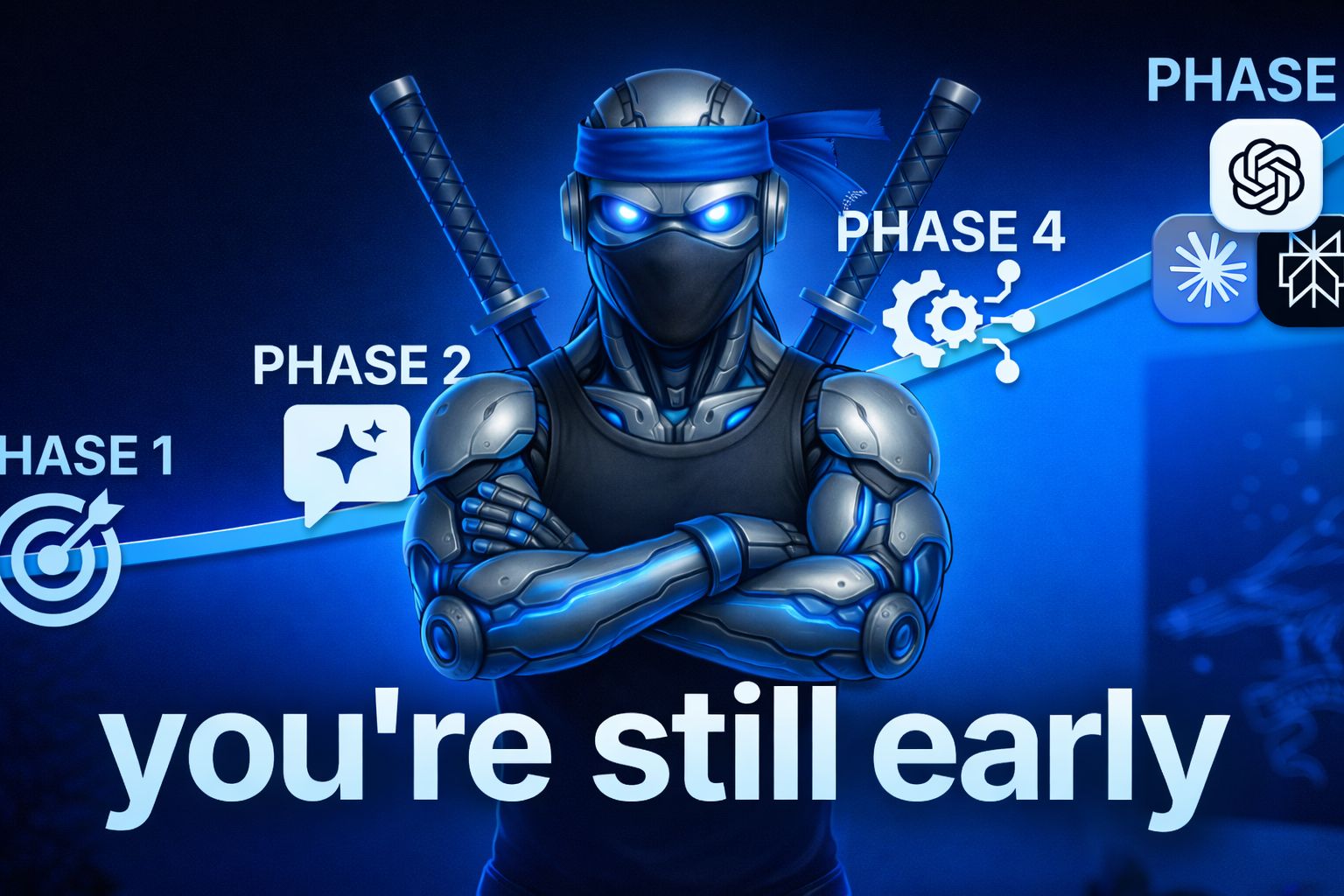
Phase 1: Build Your Foundations (Week 1)
Use AI instead of Google.
Ask Claude by Anthropic, ChatGPT, Grok, or Gemini whenever you would normally search for something.Keep an AI chat pinned and open.
Leave the tool open in a pinned tab so it becomes part of your daily workflow.Use voice instead of typing.
Dictate using built-in voice features or tools like Whisper Flow to think faster and give richer context.Download the mobile apps.
Install the AI apps on your phone so you can use them anywhere.Automatically record and transcribe meetings.
Use tools like Grain or Fathom to capture calls so you can analyze transcripts with AI later.
Phase 2: Use AI as Your Coach (Week 2)
Ask AI to improve your thinking, not do your job.
Use prompts like:
“I am a [role] trying to achieve [goal]. What are the highest leverage actions I should focus on? What mistakes should I avoid?”Have AI interview you about your role.
Prompt: “Interview me about what I do and help me identify what’s high leverage versus low value.”Analyze meeting transcripts for insights.
Paste transcripts and ask:
“Based on this conversation, what themes, blind spots, or improvement areas do you see?”Treat AI like a smart colleague, not gospel.
Evaluate its advice critically and only keep what aligns with your judgment.
Phase 3: Use AI as Your Worker (Weeks 3–4)
Apply the 10–80–10 rule.
Do the first 10 percent with context and direction. Let AI handle the middle 80 percent. Review and refine the final 10 percent yourself.Provide rich context before delegating.
Instead of “Write 50 ideas,” use:
“Here is a transcript, competitor examples, and our brand strategy. Based on this, generate 20 hook ideas. Avoid generic advice. Use pattern interrupts.”Develop taste and refine outputs.
Keep what meets your quality bar. Paste your favorites back in and say:
“Generate 50 more ideas in this style.”
Phase 4: Use AI as a System (Month 2–3)
Build and refine a prompt library.
Improve prompts over time by testing and updating them. Add constraints like:
“Keep hooks under 20 words.”
“Avoid rhetorical questions.”
Save high-performing prompts using TextExpander or shortcuts.
Experiment with different AI models to see which performs best for each prompt.
Phase 5: Use AI as Infrastructure (Month 4+)
Automate repetitive workflows.
- Start with built-in automation features.
- Connect tools using Zapier or Make.com.
- Build advanced workflows with N8N if needed.
- Automate transcript analysis, reporting, and repetitive admin tasks so AI runs in the background without manual input.
Follow these five phases in order and you will move from casual AI use to building real systems that improve productivity and performance.
Write PRDs and tests by voice
Dictate PRDs, acceptance tests, and bug reproductions inside Cursor or Warp and get paste-ready text. Wispr Flow auto-tags file names and preserves variable names so your technical writing stays precise. Try Wispr Flow for engineers.
AI Tools Ranked
4 Best AI AI Market Research Tools
Tool Name | Best For | Standout Feature | Price |
|---|
Enterprise market intelligence | AI search across filings | Custom enterprise pricing |
Digital competitive benchmarking | Website and app intelligence | From $125 per month |
Market share analysis | Competitor traffic analytics | From $199 per month |
Consumer audience insights | AI over survey data | Custom quote pricing |
Brand New Releases
I slice through the noise to bring you the best and coolest new AI tools worth your time.
Serenities → connects, automates, and manages your digital life through natural conversation and integrated tools.
On-Call Health → helps engineering teams spot workload overload and burnout risk in on-call responders by analyzing incident and activity data.
Typeflow → desktop writing helper that instantly translates or corrects selected text anywhere using a keyboard shortcut.
NolainOCR → extracts structured data from invoices, receipts, and other documents into clean spreadsheets with high accuracy.
That’s a wrap!
I hope your week is getting off to a great start. I’ll see you in your inbox tomorrow at 12 PM Eastern Standard Time.
Brad Gaines @NinjaAiTools