- Ninja AI Tools
- Posts
- 🥷 The AI Edge: Time-Saving Tools, Mini Tutorials & Key Updates
🥷 The AI Edge: Time-Saving Tools, Mini Tutorials & Key Updates

Ninja AI Tools
April 30, 2026
In partnership with


🥷 Hello AI Ninja,
Today we’re covering an AI tool that turns your analysis into polished, stakeholder-ready reports in seconds, the biggest AI news shaping the industry right now, a hands-on tutorial for building your own live AI dashboard with Claude…and much more.
Let’s get into it. 🚀
Today’s Lineup
🥷 NINJA AI TOOL: Is This The End of Manual Reporting?
📈 WHAT’S POPULAR: Top Trending AI Websites & Tools
🗞️ WHAT’S HAPPENING: Breaking AI News and Updates
🏆 BEST BY CATEGORY: Content Planning & Calendar Tools
🎓 AI TUTORIAL: Live AI Dashboard with Claude Artifacts
🔥 HOT OFF THE PRESS: Brand New AI Tool Releases
Read time: 5 mins
Ninja AI Tool
🥷 Clicked One Button and Got a Boardroom Ready Report
If you’ve ever finished a solid analysis but struggled to turn it into something stakeholders will actually read, you know the bottleneck isn’t the work, it’s the presentation.
Enter Zerve. It connects directly to your analysis environment and turns your existing notebooks, charts, and model outputs into polished reports automatically. Instead of rewriting insights manually, the AI reads your actual work and generates structured, audience-ready documents in real time.

Here is what stands out:
Instantly generate multiple report types from the same analysis, including executive summaries, technical deep dives, and risk reports
Let readers interact with the report by highlighting charts and asking questions
Get AI-generated answers grounded in the actual underlying data, not generic responses
In practice, that means less time formatting slides and more time doing meaningful analysis. It also makes sharing work across teams much easier, especially when different audiences need different levels of detail.
Who it’s best for: data analysts, data scientists, consultants, and anyone who regularly translates analysis into reports.
If that workflow sounds familiar, it’s worth trying Zerve for free and seeing how it fits.
And if you want a quick demo, check out my latest Instagram reel to see it in action.
1,000+ Proven ChatGPT Prompts That Help You Work 10X Faster
ChatGPT is insanely powerful.
But most people waste 90% of its potential by using it like Google.
These 1,000+ proven ChatGPT prompts fix that and help you work 10X faster.
Sign up for Superhuman AI and get:
1,000+ ready-to-use prompts to solve problems in minutes instead of hours—tested & used by 1M+ professionals
Superhuman AI newsletter (3 min daily) so you keep learning new AI tools & tutorials to stay ahead in your career—the prompts are just the beginning
Top Trending AI Tools
Here’s what’s trending right now based on usage and creator buzz.
Nemotron 3 Nano Omni → NVIDIA’s AI combines vision, audio, and text into one model that understands inputs to power smarter agents.
ElevenMusic → generate original songs, remix existing tracks, share their creations with others, and earn payouts as creators on the platform.
MiMo-V2.5-Pro → Xiaomi’s open-source AI model designed to handle complex reasoning, coding, and long-horizon tasks with high performance.
Cursor SDK → run Cursor’s AI coding agents inside their own workflows, scripts, or products using the same underlying models and runtime.
Qwen3.6-27B → Alibaba’s new 27B AI model designed to outperform its predecessor in coding tasks with stronger performance and accuracy.
Breaking AI News
Stay current with the most important developments in AI.

OpenAI Releases Cybersecurity Action Plan
Why It Matters → This shows AI security is becoming a national priority as both defenders and attackers adopt stronger tools.Biohub Launches $500M Virtual Biology Push
Why It Matters → This could bring AI closer to modeling living cells, opening a path to major breakthroughs in disease research.Mayo Clinic AI Spots Pancreatic Cancer Early
Why It Matters → Earlier detection could save lives for one of the deadliest cancers, where timing often decides the outcome.Mistral Pushes AI Agents Into the Cloud
Why It Matters → This moves AI from quick chats toward systems that can work longer, run tasks, and handle real workflows.Google Gemini Adds File Creation Tools
Why It Matters → This makes AI more useful in daily work by turning ideas into ready-to-use documents inside chat.House Panels Probe Chinese AI Model Use
Why It Matters → This highlights rising concern over whether cheaper foreign AI tools could create serious security risks.ElevenLabs Launches AI Music Platform
Why It Matters → This points to a future where music is not just streamed, but created, remixed, and shared with AI.
Best by Category
Top 4 AI Content Planning & Calendar Tools
Tool Name | Best For | Standout Feature | Price |
|---|---|---|---|
Enterprise marketing calendar teams | Cross-team campaign visibility | Custom enterprise pricing | |
Multi-platform social media teams | AI optimal posting timing | ~$99/month | |
Data-driven engagement teams | Advanced sentiment analytics | $199+/user/month | |
Small business content creators | Affordable AI scheduling automation | ~$6–$30/month |
Your ads ran overnight. Nobody was watching. Except Viktor.
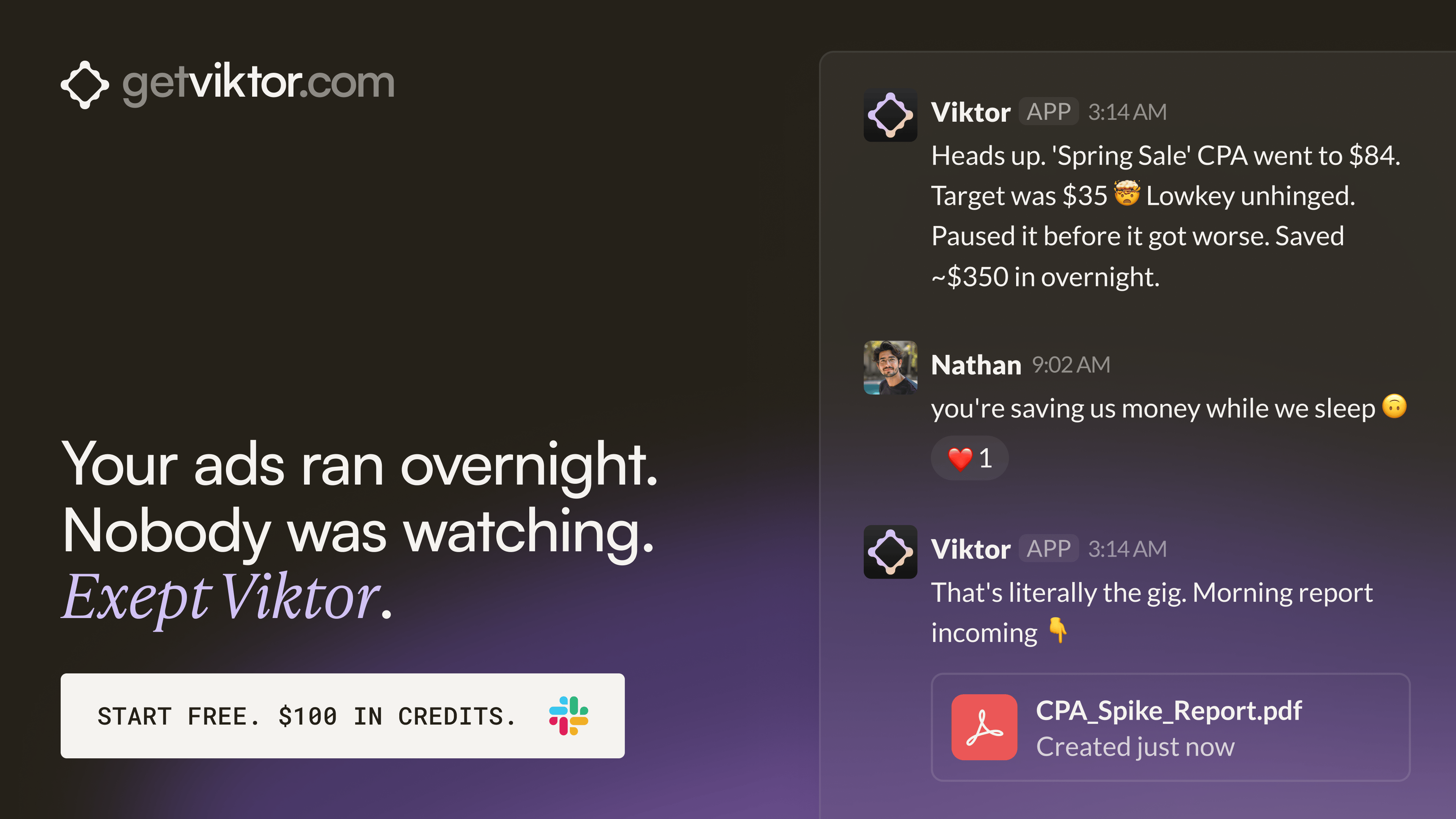
One brand built 30+ landing pages through Viktor without a single developer.
Each page mapped to a specific ad group. All deployed within hours. Viktor wrote the code and shipped every one from a Slack message.
That same team has Viktor monitoring ad accounts across the portfolio and posting performance briefs before the day starts. One colleague. Always on. Across every account.
AI Tutorial
How to Build a Live AI Dashboard with Claude Artifacts
Claude’s live artifacts let you create dynamic dashboards that update in real time using data from your tools. You can turn Claude into a personal command center connected to apps like Notion, Gmail, and Google Calendar.

STEPS
Open Claude or the Claude desktop app and start a new chat.
Ask Claude to create a “live artifact dashboard” for your daily workflow.
Specify what you want included (e.g., calendar events, emails, CRM data, daily brief).
Connect your tools like Google Calendar, Gmail, and Notion when prompted.
Define filters such as “today’s schedule” or “current time-based view.”
Request a structured layout (e.g., daily overview, weekly view, client notes).
Let Claude generate the live artifact dashboard.
Test real-time updates by changing data in your connected tools (e.g., move a calendar event).
Refine the dashboard with prompts (e.g., redesign UI, add dark mode, include live clock).
Add custom features like buttons, automations, or summaries for tasks and emails.
Open the artifact in full view and use it as your daily command center.
RESULT
You get a real-time AI-powered dashboard that automatically updates with your calendar, emails, and CRM data, giving you a centralized view of your daily work.
Brand New Releases
I slice through the noise to bring you the best and coolest new AI tools, apps and websites worth your time.
MetaNeural → simulations to train teams, analyze scenarios, and improve safety and decision-making in high-risk industries.
Dageno → tracks and improves a brand’s visibility in AI search engines by analyzing how models mention and recommend it.
Devaito → builds and runs websites, stores, and marketing using AI agents to launch and grow businesses with minimal effort.
LiveDemo → interactive product demos and simulations to help businesses showcase, explain, and sell their software more effectively.
Pioneer AI → automatically improves and fine-tunes open-source models over time by learning from real-world usage data.
That’s a wrap!
Have a great day. I’ll see you in your inbox tomorrow at 12PM Eastern Standard Time.
Brad Gaines @NinjaAiTools
What did you think of this newsletter? |