- Ninja AI Tools
- Posts
- 🥷 Today’s Top AI Tool + Hot Headlines + Expert Tips
🥷 Today’s Top AI Tool + Hot Headlines + Expert Tips

Brad Gaines
January 02, 2026
In partnership with


We’re taking tomorrow off to celebrate New Year’s Day 🎉 We’ll be back Friday to get the new year started off right.
Here's what's on the agenda today…
🥷 NINJA AI TOOL: Voice AI Just Got Way More Realistic
📈 WHAT’S POPULAR: Top Trending AI Websites & Tools
🗞️ WHAT’S HAPPENING: Breaking AI News and Updates
🎓 AI TUTORIAL: Master These AI Tools or Get Replaced
🔥 HOT OFF THE PRESS: Brand New AI Tool Releases
NINJA AI TOOL
🥷 The Fastest, Most Expressive TTS You've Never Heard Of
Most text-to-speech (TTS) tools make you choose: speed or quality. If you want expressive voices or real-time performance, you're usually stuck with closed systems that limit flexibility and transparency.
Chatterbox Turbo changes that. It’s a fast, open-source, production-ready TTS model that delivers expressive, lifelike speech, and it does it faster than real time. With just 5 seconds of reference audio, you can clone a voice and start generating natural-sounding speech with emotion, nuance, and even nonverbal reactions like sighs or laughs.

Key Features:
Open-source and MIT licensed
6× faster than real-time (on GPU)
Zero-shot voice cloning with 5 seconds of audio
Emotion exaggeration control
Paralinguistic prompting (sigh, cough, gasp, etc.)
Built-in watermarking with PerTh for authenticity
75ms latency, 350M parameters
Easy setup via
pip installand active support on GitHub & Hugging Face
How you might actually use it:
Need a synthetic narrator for your game or app? Want to bring a podcast host’s voice into a script without another recording session? Prototyping an AI voice assistant with real-time responses? Chatterbox Turbo offers the flexibility and speed to build production-quality voice features without being locked into a proprietary system.
Who it’s best for:
Developers building voice experiences, indie game studios, audio engineers, educators, and researchers looking for a transparent, customizable TTS foundation.
It’s not trying to be flashy. It’s just solid voice tech you can trust and build on.
A MESSAGE FROM OUR PARTNER
The Future of AI in Marketing. Your Shortcut to Smarter, Faster Marketing.

Unlock a focused set of AI strategies built to streamline your work and maximize impact. This guide delivers the practical tactics and tools marketers need to start seeing results right away:
7 high-impact AI strategies to accelerate your marketing performance
Practical use cases for content creation, lead gen, and personalization
Expert insights into how top marketers are using AI today
A framework to evaluate and implement AI tools efficiently
Stay ahead of the curve with these top strategies AI helped develop for marketers, built for real-world results.
TOP TRENDING AI TOOLS
Here’s what’s trending right now based on usage and creator buzz.
Qwen Image-2512 → Alibaba’s latest image AI model that creates highly realistic images with improved detail and text rendering.
Chatterbox Turbo → Resemble AI’s fast, expressive open-source text-to-speech model that generates high-quality, real-time voice from text.
Claude in Chrome → agentic Chrome extension that brings Claude directly into Google Chrome to assist with browsing, tasks, and workflows.
ChatGPT Images → OpenAI’s upgraded image generation system that creates higher-quality, more detailed images.
Ranked AI → AI‑powered SEO and PPC platform that helps businesses boost search rankings, manage content, and improve online visibility.
BREAKING AI NEWS
What’s happening across the AI world right now.
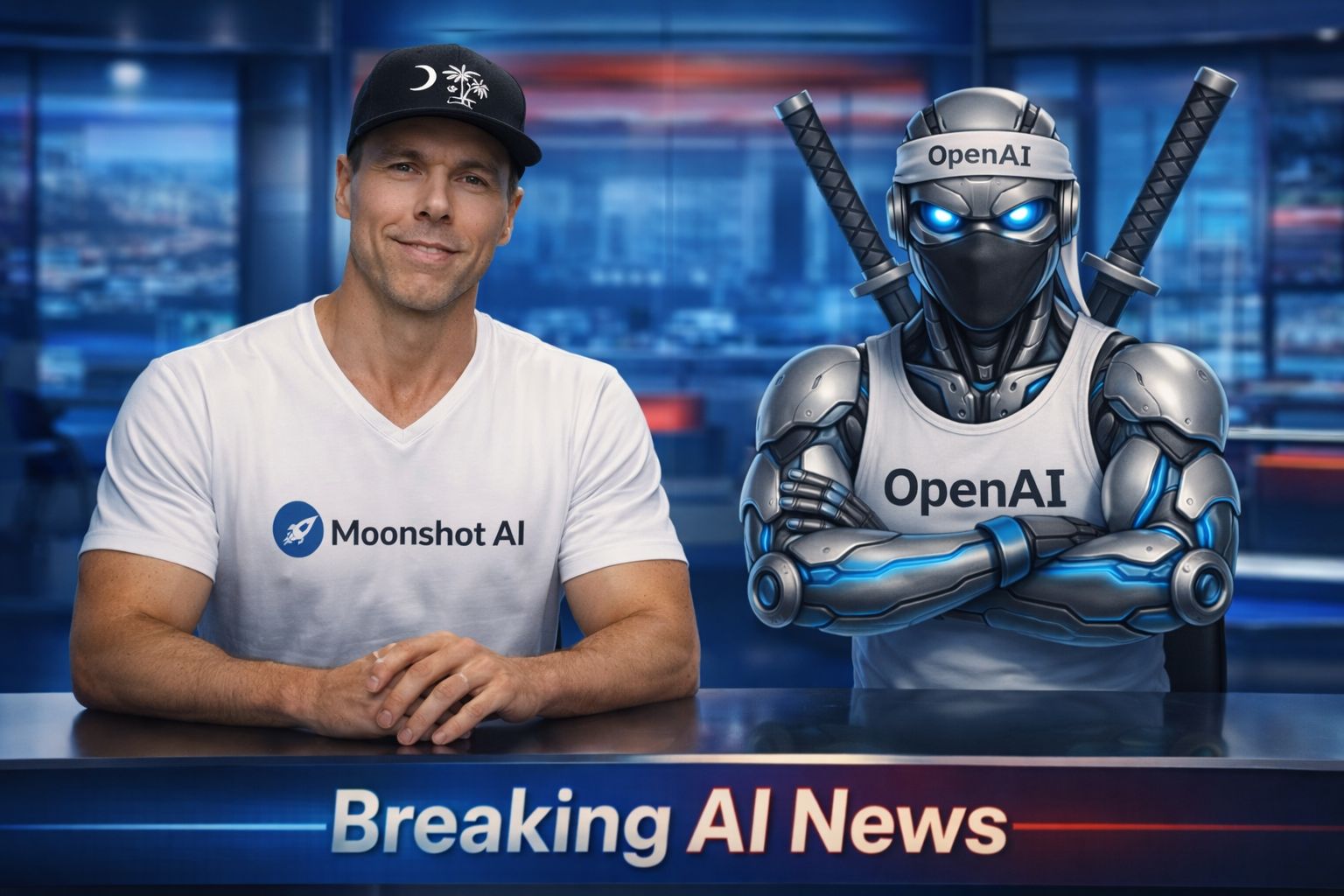
Moonshot AI Closes $500M Round to Scale Next-Gen AGI
Why It Matters → Shows China’s deep investment in long-term AGI, prioritizing infrastructure over IPOs as global AI rivalry heats up.
OpenAI Building New AI Voice Model & Audio Devices
Why It Matters → Signals OpenAI’s leap into real-time speech and consumer hardware to lead in human-AI interaction.
OpenAI Offers Record $1.5M Average Equity to Staff
Why It Matters → Highlights aggressive talent retention as AI firms battle to hire and keep the best minds.
Google’s Gemini, Veo Models Top 2025 AI Rankings
Why It Matters → Reflects major performance wins in language, vision, and video, reshaping the competitive landscape.
New AI Timeline Model Pushes Coding Automation to 2031
Why It Matters → Forecasts slower path to key AI milestones, giving a more grounded outlook on superintelligence and automation.
DeepSeek’s Manifold Hyper-Connections Improve Scaling
Why It Matters → Introduces a powerful new method to train deep neural networks more efficiently and reliably.
IQuest-Coder-V1 Beats GPT & Claude on Code Benchmarks
Why It Matters → A new coding model from China claims top scores, challenging Western dominance in dev-focused AI.
Qwen-Image-2512 Debuts as Top Open Text-to-Image Model
Why It Matters → Makes open-source image generation more realistic, narrowing the gap with closed models like Midjourney.
Instagram’s Curated Look 'Dead' in the Age of AI
Why It Matters → Reflects how AI is changing aesthetics and trust online, pushing creators toward raw, unfiltered content.
AI TUTORIAL
Master These AI Tools in 2026 or Risk Getting Replaced
Welcome to 2026! This is the year AI truly levels the playing field. Whether you're a builder, a designer, or a marketer, Google just dropped a suite of tools that can 10x your output (with or without coding). This step-by-step guide shows you how to use them, based on your role. Skip the hype…here's what actually matters.
👤 Identify Your Role
Choose the persona that best fits you:
Builder: App/agent developer
Creator: Designer or storyteller
Marketer/Business Owner: Campaign creator, researcher
🛠️ For Builders
Use it for: Playing with Gemini models, building apps, monitoring usage.
Chat with Models: Try Gemini 3, Flash, Nano Banana, Imagine 4 (images), Veo (video), TTS (audio).
Tools & Instructions: Use function calling, URL context, save system personas (e.g., “Marketing Strategist”).
VIP Coding: Remix apps from the gallery or build from scratch using natural language.
API Keys & Usage: Create keys for deployments, monitor activity in dashboards.
Use it for: Building agents without code.
Describe the agent you want in plain English.
The tool autogenerates agents, workflows, and selects built-in tools (e.g., Google Search).
Test and deploy instantly.
Use it for: Advanced app building with full code control.
IDE designed for complex, scalable apps.
Includes Agent Manager for multitasking across projects.
Import apps from AI Studio for enhanced editing.
🎨 For Creators
Use it for: Rapid UX design from prompts.
Describe your app idea (e.g., “skiing app”).
Stitch generates full UI flows.
Export directly to AI Studio for development.
5. Google Opal
Use it for: No-code creative apps.
Prompt: e.g., “Generate YouTube thumbnails from my image.”
Upload content and Opal builds mini-apps instantly.
Also available in Google Gems (check access tier).
📈 For Marketers & Business Owners
Use it for: Instant social media campaigns.
Input your business site URL.
Tool generates brand DNA + visuals.
Suggests & animates campaigns for different platforms.
7. Notebook LM
Use it for: Research based on your own data.
Upload files, URLs, or YouTube videos.
Use research agents to extract and summarize insights.
Perfect for academics, analysts, and strategists.
🚀 Final Advice
Pick 1–2 tools based on your role.
AI Studio is a great starting point for all personas.
For code-heavy work: use Anti-Gravity. For no-code: go with Opal or Stitch.
Explore, experiment, and master what fits your workflow.
BRAND NEW RELEASES
I slice through the noise to bring you the best and coolest new AI tools worth your time.
Giselle → visually build and deploy custom AI applications and agentic workflows that automate complex tasks without needing to code.
Brief My Meeting → AI meeting prep tool that sends personalized briefing emails with attendee research and context before meetings.
Mind Dock → gregates and visualizes live AI trends, models, research, and code activity to help you explore and discover new ideas.
Promptacore → Chrome extension that helps create, optimize, organize, and apply better prompts for AI tools directly in your workflow.
That’s a wrap!
Have a great weekend. I’ll see you in your inbox Monday at 12 PM Eastern Standard Time.
Brad Gaines @NinjaAiTools
What did you think of this newsletter? |