- Ninja AI Tools
- Posts
- 🥷 Today’s Top AI Tool + Hot Headlines + Expert Tips
🥷 Today’s Top AI Tool + Hot Headlines + Expert Tips

Ninja AI Tools
May 13, 2026
In partnership with


🥷 Hello AI Ninja,
Today we’re diving into an AI agent that can build entire automations from a single prompt, the top AI tools for growing your social media faster, the latest AI tool releases worth adding to your radar…and much more.
Let’s get into it. 🚀
Today’s Lineup
🥷 NINJA AI TOOL: Automation Got a Whole Lot Easier
📈 WHAT’S POPULAR: Top Trending AI Websites & Tools
🗞️ WHAT’S HAPPENING: Breaking AI News and Updates
🏆 BEST BY CATEGORY: Top Social Media Growth Tools
🎓 AI TUTORIAL: ChatGPT Inside Excel or Google Sheets
🔥 HOT OFF THE PRESS: Brand New AI Tool Releases
Read time: 7 mins
Ninja AI Tool
🥷 Build Full Workflows From a Single Sentence
Most automation tools hit a wall fast. You want to connect a niche app, scrape a site, or build a custom workflow, and suddenly you are stuck waiting for an integration that may never come.
Twin takes a different approach. It is an AI agent platform that builds and runs entire workflows from a simple prompt. Instead of wiring together prebuilt connectors, you describe what you want and Twin creates the system for you. No code, no setup, no hosting.

Key features:
Highly flexible automation that adapts to your workflow
Finds leads, writes personalized outreach, and sends emails automatically
Runs continuously in the background, even when your laptop is closed
Uses a built in browser to interact with tools that do not have APIs
Navigates like a human, including clicking, typing, and reading on screen
In practice, this means you can automate messy, real world tasks that tools like Zapier or Make struggle with. Think outbound sales pipelines, job applications, research workflows, or repetitive admin work.
Who it’s best for: freelancers, founders, marketers, and operators who want automation without technical overhead.
If you are curious, give Twin a try. I also put together a free PDF with 10 AI agent automations you can build with it today.
Fast browsing. Faster thinking.
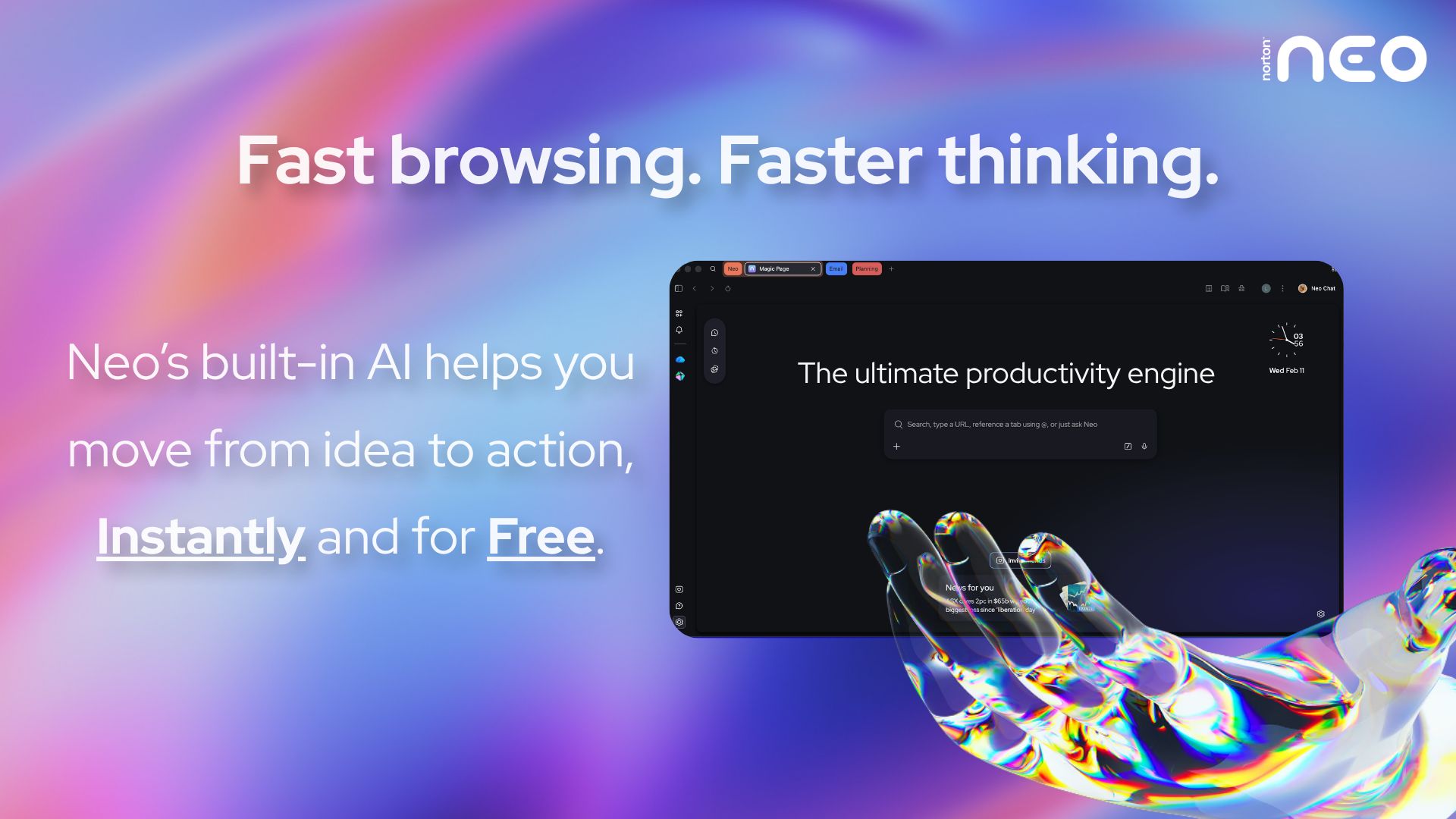
Your browser gets you to a page. Norton Neo gets you to the answer. The first safe AI-native browser built by Norton moves with you from idea to action without slowing you down. Magic Box understands your intent before you finish typing. AI that works inside your flow, not beside it. No prompting. No copy-pasting. No switching apps.
Built-in AI, instantly and for free. Privacy handled by Norton. Built-in VPN and ad blocking protect you by default. No configuration. No extra apps. Nothing to think about.
Fast. Safe. Intelligent. That's Neo.
Top Trending AI Tools
Here’s what’s trending right now based on usage and creator buzz.
Twin → AI agent platform that builds and runs complete workflows from simple prompts without coding or setup.
GPT-Realtime-2 → OpenAI’s advanced voice AI model that can reason, call tools, and maintain natural live conversations.
️Lovable Aesthetics → vibe code apps and websites with more control over layout, typography, and visual design.
Krea 2 → generate AI images with style transfer, moodboard-guided visuals, and more consistent creative direction.
Step Image Edit 2 → StepFun’s lightweight AI image editing model for quickly transforming images with text instructions.
Breaking AI News
Stay current with the most important developments in AI.

Google Expands Gemini Across Android Ecosystem
Why It Matters → Google is turning Gemini into a built-in AI operating layer across devices, apps, and laptops.Isomorphic Labs Raises $2.1B For AI Drug Discovery
Why It Matters → Investors are betting AI could dramatically speed up medicine development and future clinical breakthroughs.Mini Shai-Hulud Attack Hits AI Developer Ecosystem
Why It Matters → Hackers are exploiting trusted AI software pipelines, creating serious new cybersecurity risks for developers.OpenEvidence Gains Massive Adoption Among U.S. Doctors
Why It Matters → AI is becoming deeply integrated into healthcare, potentially changing how doctors make clinical decisions.Google Explores Orbital AI Data Centers With SpaceX
Why It Matters → Tech companies are exploring space-based computing to handle AI’s growing energy and infrastructure demands.Meta Employees Protest AI Workplace Surveillance Tools
Why It Matters → Workers are increasingly worried AI monitoring systems could threaten privacy, trust, and future job security.Rivian Launches AI Copilot Inside Electric Vehicles
Why It Matters → Cars are evolving into intelligent AI assistants that can manage tasks and control vehicle systems.
Best by Category
The Top 4 AI Social Media Growth Tools
Tool Name | Best For | Standout Feature | Price |
|---|---|---|---|
Solo creator scheduling | GPT-4 content assistant | Free + paid tiers | |
Multi-platform team management | AI caption generation | Starts around $199/month | |
Advanced growth analytics | AI-powered audience insights | Starts around $199/month | |
Creator performance tracking | Cross-platform analytics dashboard | Free + affordable plans |
Learn how to code faster with AI in 5 mins a day

You're spending 40 hours a week writing code that AI could do in 10.
While you're grinding through pull requests, 200k+ engineers at OpenAI, Google & Meta are using AI to ship faster.
How?
The Code newsletter teaches them exactly which AI tools to use and how to use them.
Here's what you get:
AI coding techniques used by top engineers at top companies in just 5 mins a day
Tools and workflows that cut your coding time in half
Tech insights that keep you 6 months ahead
Sign up and get access to the Ultimate Claude code guide to ship 5X faster.
AI Tutorial
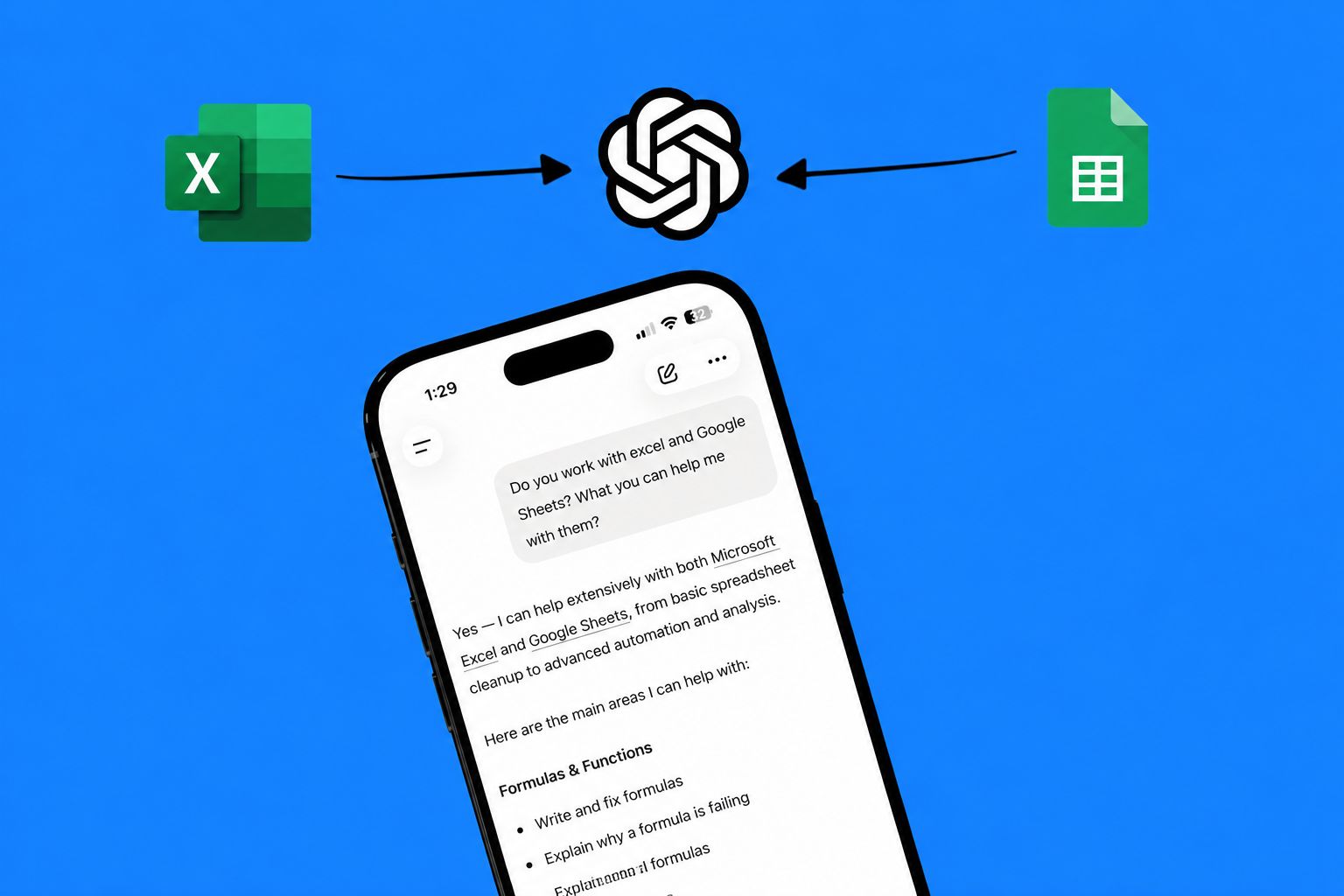
How To Use ChatGPT Inside Excel or Google Sheets
You don’t need advanced spreadsheet skills to clean up a workbook. ChatGPT can now work in a spreadsheet sidebar for formulas, analysis, and cleanup.
Open Excel or Google Sheets.
Go to Add-ins or Extensions.
Search for ChatGPT.
Install the official ChatGPT add-in by OpenAI.
Sign in with a supported ChatGPT account.
Open a spreadsheet.
Use the ChatGPT sidebar to ask for a formula.
Ask ChatGPT to explain a confusing sheet.
Review every output before using it.
RESULT
You now have an AI assistant inside your spreadsheet that can help with formulas, cleanup, and basic analysis.
Brand New Releases
I slice through the noise to bring you the best and coolest new AI tools, apps and websites worth your time.
Radar → open-source Kubernetes UI for managing topology, events, Helm, GitOps, audits, and AI agent workflows in one place.
Rosentic → helps teams find and fix merge conflicts across every active AI agent branch before pull requests are merged.
Ghostwriter → AI ghostwriting tool that writes and schedules LinkedIn and X posts in your personal writing style.
Oriane → search millions of videos to track trends, discover creators, and turn engagement insights into revenue.
Dina → turn ideas into polished, presentation-ready videos with AI tools built for modern content creation workflows.
That’s a wrap!
Have a great Hump Day. I’ll see you in your inbox tomorrow at 12PM Eastern Standard Time.
Brad Gaines @NinjaAiTools
What did you think of this newsletter? |