- Ninja AI Tools
- Posts
- 🥷 Today’s Top AI Tools + Big News You Shouldn’t Miss
🥷 Today’s Top AI Tools + Big News You Shouldn’t Miss

Ninja AI Tools
March 31, 2026
In partnership with


🥷 Hello AI Ninja,
Today we’re covering an AI tool that turns a single prompt into instant designs, the AI tools trending right now, and the biggest headlines shaping the next wave of AI innovation.
Plus, a step-by-step tutorial on comparing AI research outputs, the top AI data analysis and BI tools by category, and the latest new AI releases worth exploring.
Let’s get into it. 🚀
Today’s Lineup
🥷 NINJA AI TOOL: Turn One Prompt Into Instant Designs
📈 WHAT’S POPULAR: Top Trending AI Websites & Tools
🗞️ WHAT’S HAPPENING: Breaking AI News and Updates
🎓 AI TUTORIAL: How to Compare AI Research Outputs
🏆 BEST BY CATEGORY: Top 4 AI Data Analysis & BI Tools
🔥 HOT OFF THE PRESS: Brand New AI Tool Releases
Read time: 5 mins
Ninja AI Tool
🥷 This New AI Turns One Prompt Into Instant Designs
Designing visuals still means juggling tools, hunting templates, and tweaking layouts. It slows down the creative process, especially when you just want to turn an idea into something visual.
Gamma solves this by turning simple prompts into polished visuals.
It started as an AI presentation tool, but its new feature, Imagine, pushes it further into a full AI design partner.
You describe what you want like an infographic, poster, diagram, or slide, and Gamma generates it instantly. No templates. No switching between tools. Just one prompt and multiple design options to choose from.

Key features:
Prompt to design generation in seconds
Multiple creative directions from one idea
Drop visuals directly into presentations or docs
Clean layouts without manual formatting
Built in collaboration and sharing
In practice, this means faster decks, better visuals for newsletters, quick diagrams for product docs, or polished client presentations without opening a design app.
One surprising benefit is that Gamma suggests creative directions you may not think of yourself, which makes the process feel more collaborative and less mechanical.
Who it’s best for: freelancers, marketers, founders, developers, and students who need fast, polished visuals.
You can start for free. I also included 50 design prompts you can copy right now.
1,000+ Proven ChatGPT Prompts That Help You Work 10X Faster
ChatGPT is insanely powerful.
But most people waste 90% of its potential by using it like Google.
These 1,000+ proven ChatGPT prompts fix that and help you work 10X faster.
Sign up for Superhuman AI and get:
1,000+ ready-to-use prompts to solve problems in minutes instead of hours—tested & used by 1M+ professionals
Superhuman AI newsletter (3 min daily) so you keep learning new AI tools & tutorials to stay ahead in your career—the prompts are just the beginning
Top Trending AI Tools
Here’s what’s trending right now based on usage and creator buzz.
Gamma → Imagine generates infographics, posters, and diagrams instantly from descriptions without templates or switching separate tools.
Qwen3.5-Omni → Alibaba’s AI that understands and responds to text, images, audio, and video in one model.
Hermes Agent → AI agent that remembers what it learns and communicates across messaging platforms.
Critique→ Microsoft’s research tool that uses multiple AIs to generate, challenge, and improve answers together.
Breaking AI News

Claude Gains Computer-Controlling Abilities
Why It Matters → AI directly using your computer moves us closer to fully autonomous digital workers, transforming tasks.
Alibaba Launches Native Omni-Modal AI Model
Why It Matters → A single AI that sees, hears, and speaks in real time could reshape assistants and accelerate agent-style AI.
Microsoft Adds Multi-Model Intelligence to Copilot
Why It Matters → AI models debating and critiquing each other could significantly enhance enterprise AI reliability and utility.
Apple Intelligence Accidentally Launches in China
Why It Matters → Apple’s slow AI rollout highlights growing pressure from fast-moving Chinese competitors in the market.
OpenAI Shuts Down Sora Video App
Why It Matters → The high cost of video AI shows how expensive frontier AI products remain, limiting widespread adoption.
Starcloud Raises $170M for Space Data Centers
Why It Matters → Building AI compute in orbit sounds futuristic, but major technical hurdles remain for practical use.
AI Tutorial
How to Compare AI Research Outputs Using Microsoft 365 Copilot Researcher
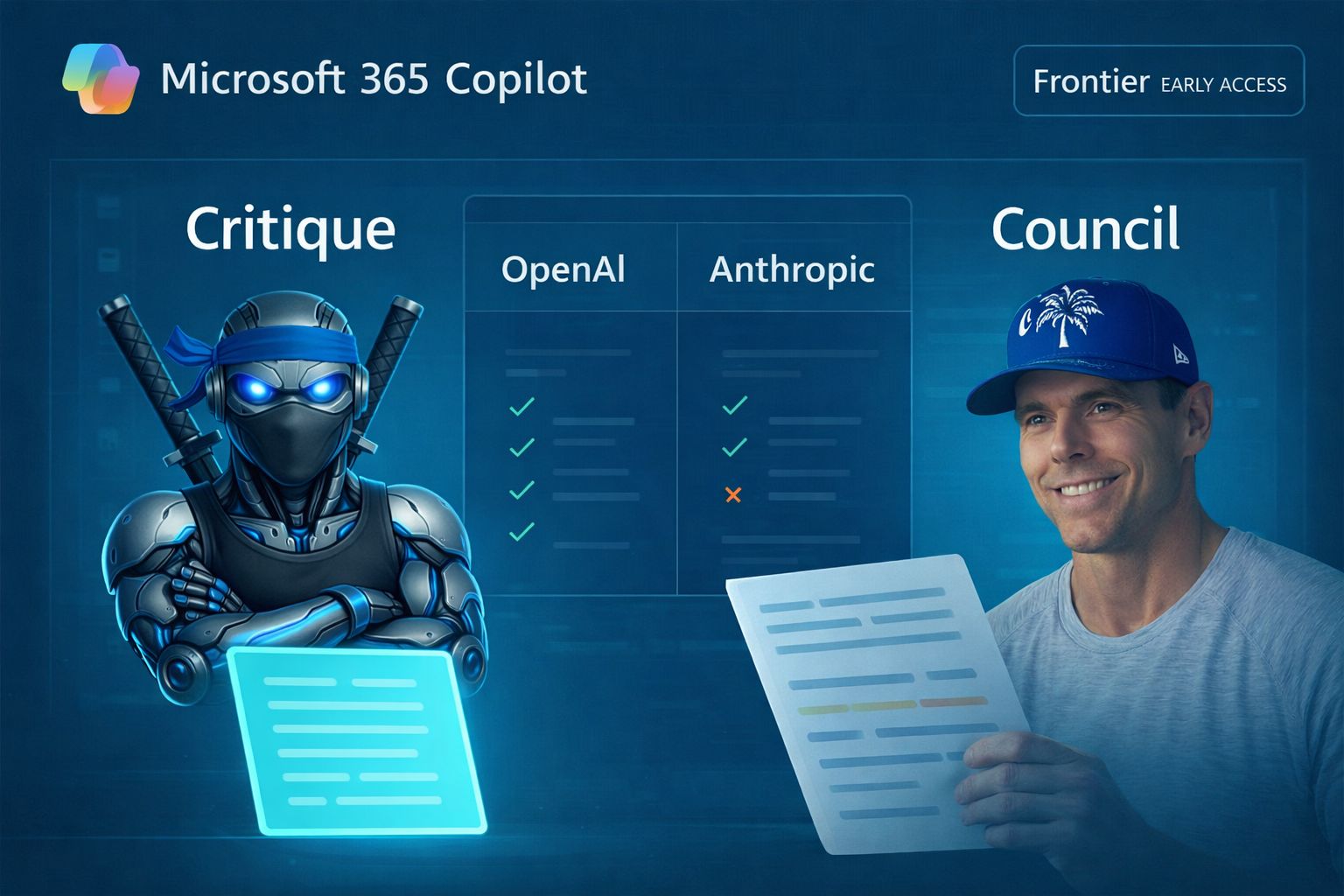
You don’t need to test AI tools one by one anymore. Microsoft’s new Council mode in Researcher for Microsoft 365 Copilot lets you compare responses from multiple models side by side, then highlights where they agree or differ.
Steps
Open Microsoft 365 Copilot and go to Researcher.
Sign in with an account that has access to the feature.
Enter your research prompt.
Open the model picker in Researcher.
Select Model Council.
Run the research task.
Review the side-by-side reports from the models.
Read the summary showing agreement, differences, and unique insights.
Use the better framing or combine the strongest points into your final output.
Result:
You now have a clearer way to compare AI-generated research outputs inside Microsoft 365 Copilot Researcher instead of relying on a single model.

The best marketing ideas come from marketers who live it. That’s what The Marketing Millennials delivers: real insights, fresh takes, and no fluff. Written by Daniel Murray, a marketer who knows what works, this newsletter cuts through the noise so you can stop guessing and start winning. Subscribe and level up your marketing game.
BEST BY CATEGORY
Top 4 AI Data Analysis & BI Tools
Tool Name | Best For | Standout Feature | Price |
|---|---|---|---|
Microsoft-heavy business teams | Copilot report summaries | Starts at $14 monthly | |
Large governed enterprise deployments | Trusted semantic agentic layer | Starts at $40 monthly | |
Search-first self-service analytics | Spotter agentic analysis | Starts at $50 monthly | |
Mixed structured content analysis | Qlik Answers plus automations | Starts at $825 monthly |
Brand New Releases
I slice through the noise to bring you the best and coolest new AI tools worth your time.
ClipTask → records your screen and uses AI to turn your spoken explanations into organized tasks with video clips and summaries.
Releaslyy → connects to your dev tools and automatically generates polished release notes from your commits, tickets, and sprint updates.
Trivia by Typito AI → generates ready-to-post trivia videos by automatically creating questions, visuals, and captions.
Listen → turns articles into podcast-style audio so you can subscribe and listen to content from your favorite sources in your podcast app.
That’s a wrap!
I hope your week is getting off to a great start. I’ll see you in your inbox tomorrow at 12PM Eastern Standard Time.
Brad Gaines @NinjaAiTools
What did you think of this newsletter? |