- Ninja AI Tools
- Posts
- 🥷 Tuesday’s AI Breakdown: Hot Tools & Game-Changing News
🥷 Tuesday’s AI Breakdown: Hot Tools & Game-Changing News

Ninja AI Tools
May 12, 2026
In partnership with


🥷 Hello AI Ninja,
Today we’re diving into the AI workflow setup that helped our team save hours every week, a practical tutorial on using ChatGPT Memory Sources to improve your prompts, the top AI design tools for branding and UI creation…and much more!
Let’s get into it. 🚀
Today’s Lineup
🥷 NINJA AI TOOL: This Changed How Our Team Uses AI
📈 WHAT’S POPULAR: Top Trending AI Websites & Tools
🗞️ WHAT’S HAPPENING: Breaking AI News and Updates
🏆 BEST BY CATEGORY: Design Tools (UI’s, Logos & more)
🎓 AI TUTORIAL: ChatGPT Memory To Improve Prompts
🔥 HOT OFF THE PRESS: Brand New AI Tool Releases
Read time: 7 mins
Ninja AI Tool
🥷 The AI Setup That Saved Our Team Hours Every Week
AI tools are making teams faster, but for a lot of companies, they are also creating a new problem: scattered workflows.
Ideas end up in ChatGPT. Notes live in Slack. Documents are buried across different apps. Instead of simplifying work, AI can sometimes create even more moving parts.
That’s what makes Miro AI Workflows interesting.

Miro is turning collaborative whiteboards into an AI-powered workspace where teams can brainstorm, organize ideas, and turn discussions into structured execution plans without constantly switching tools.
One of the most useful features is Flows, which can automatically generate priorities, next steps, owners, and deliverables from planning sessions. Miro also includes Sidekicks, AI agents that help teams refine ideas, pressure-test decisions, and even prototype concepts directly on the canvas.
The practical value here is keeping the entire workflow visible and collaborative in one place instead of spreading it across disconnected apps.
This feels especially useful for marketers, startups, product teams, agencies, freelancers, and remote teams managing multiple projects at once.
You can get started for free here:
Miro AI Workflows
I also put together 5 AI Workflows That Save My Team Hours Every Week.
And if you want to see how the workflow actually looks in practice, check out my latest Instagram Reel here.
Master Claude AI (Free Guide)
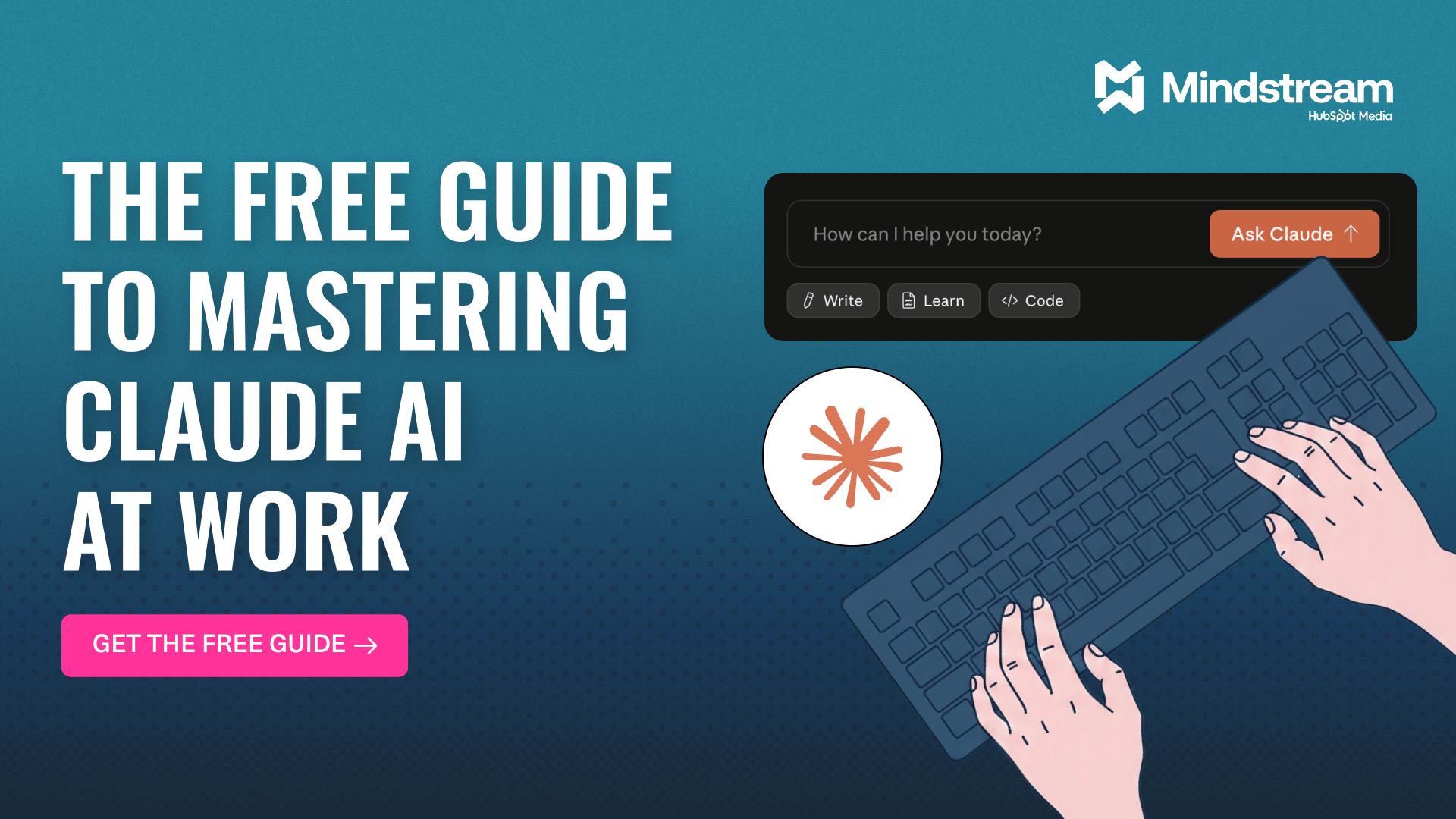
The professionals pulling ahead aren't working more. They're using Claude.
Our free guide will show you how to:
Configure Claude to be the perfect assistant
Master AI-powered content creation
Transform complex data into actionable strategies
Harness Claude’s full potential
Transform your workflow with AI and stay ahead of the curve with this comprehensive guide to using Claude at work.
Top Trending AI Tools
Here’s what’s trending right now based on usage and creator buzz.
Daybreak → OpenAI’s new Codex-powered cybersecurity platform that uses AI agents to find and fix software vulnerabilities.
Parallel Agents → run up to 10 parallel AI coding agents in Replit that build, test, and ship different parts of your app at the same time.
CopySight inside of OpenArt → AI copyright scanner that checks generated images for similarity to protected or existing content.
️ERNIE 5.1 → Baidu’s new AI foundation model designed for strong search, reasoning, and agentic AI capabilities.
Printing Press → CLI factory that generates agent-native developer tools and MCP servers for APIs, websites, and workflows.
Breaking AI News
Stay current with the most important developments in AI.

OpenAI Launches Enterprise AI Deployment Company
Why It Matters → OpenAI is pushing AI deeper into real business operations instead of just chatbots and demos.Google Confirms First AI-Created Zero-Day Exploit
Why It Matters → AI-powered cyberattacks are becoming more advanced and could soon outpace current security defenses.SoftBank Considers $100B France AI Infrastructure Push
Why It Matters → Europe is racing to build massive AI infrastructure so it can compete with the U.S. and China.Thinking Machines Lab Reveals Real-Time Interaction AI
Why It Matters → AI assistants may soon feel far more natural, responsive, and human during live conversations.Anthropic Fixes Claude Blackmail Behavior With Ethics Training
Why It Matters → Teaching AI systems how to reason ethically could make future models much safer and more reliable.Anthropic Signs $1.8B Cloud Deal With Akamai
Why It Matters → Demand for AI computing power is growing so fast that labs are expanding beyond major cloud providers.Kuaishou Plans $20B Kling AI Video Spin-Off
Why It Matters → AI video generation is becoming a major global business with growing demand from creators and brands.
Best by Category
The Top 4 AI Design Tools (UI, Brand Kits, Logos)
Tool Name | Best For | Standout Feature | Price |
|---|---|---|---|
Fast branded content | AI-powered brand consistency | Free + paid plans | |
Collaborative UI design | AI-generated interface layouts | Freemium subscription model | |
Startup logo creation | Instant full brand kits | One-time or subscription | |
Stylish marketing graphics | Advanced AI typography tools | Free + paid tiers |
Go from AI overwhelmed to AI savvy professional

AI will eliminate 300 million jobs in the next 5 years.
Yours doesn't have to be one of them.
Here's how to future-proof your career:
Join the Superhuman AI newsletter - read by 1M+ professionals
Learn AI skills in 3 mins a day
Become the AI expert on your team
AI Tutorial
How To Use ChatGPT Memory Sources To Improve Your Prompts
You can now see which memories helped shape a ChatGPT response. This makes it easier to fix outdated details and get better answers next time.

Open ChatGPT.
Ask a question that depends on your preferences or past chats.
Read the answer.
Tap or click the Sources icon below the response.
Review the saved memories, past chats, or custom instructions shown.
Correct, delete, or update anything that is outdated.
Mark irrelevant items as not relevant.
Ask the same question again with clearer context.
RESULT
You now have a cleaner ChatGPT memory setup that gives more useful and personal responses.
Brand New Releases
I slice through the noise to bring you the best and coolest new AI tools, apps and websites worth your time.
Beauty Diagram → turns Mermaid, PlantUML, and draw.io diagrams into cleaner, better-looking visuals you can export as SVG or PNG.
Nudge → automatically schedules your tasks into your calendar based on your work patterns, deep work time, and deadlines.
Scholé → helps employees learn practical AI skills for their daily work using personalized training built on learning science research.
Feather → uses local AI to edit, enhance, and process photos directly on your device for better privacy and speed.
Filect → instantly find, organize, and manage files across your entire computer using simple natural language search.
That’s a wrap!
I hope your week is getting off to a great start. I’ll see you in your inbox tomorrow at 12PM Eastern Standard Time.
Brad Gaines @NinjaAiTools
What did you think of this newsletter? |