- Ninja AI Tools
- Posts
- 🥷 Wednesday's AI Scoop: Top Tools & What’s Shaking Up AI
🥷 Wednesday's AI Scoop: Top Tools & What’s Shaking Up AI

Brad Gaines
December 31, 2025
In partnership with


We’re taking tomorrow off to celebrate New Year’s Day 🎉 We’ll be back Friday to get the new year started off right.
Here's what's on the agenda today…
🥷 NINJA AI TOOL: Post Daily Without Doing the Work
📈 WHAT’S POPULAR: Top Trending AI Websites & Tools
🗞️ WHAT’S HAPPENING: Breaking AI News and Updates
🎓 AI TUTORIAL: Turn Your Image into a Lip Sync Video
🔥 HOT OFF THE PRESS: Brand New AI Tool Releases
NINJA AI TOOL
🥷 The Easiest Way to Grow a Channel Without Showing Your Face
Keeping up with the demands of social media content creation is no small task. Whether you're trying to build an audience or promote a product, the constant cycle of writing, editing, and posting can eat up hours of your time. Faceless Video offers a way out of the grind.
This AI-powered tool automates your entire content pipeline by writing scripts, generating videos, and posting them to your accounts. You start by creating a “series” based on a topic or niche, like horror stories, product reviews, or Reddit recaps. Faceless Video then takes over and produces and posts videos to your connected social accounts, all without you having to appear on camera or touch an editing timeline.

Key Features:
One-click account setup and social media linking
AI-generated scripts, voices, visuals, and video edits
Automatic posting on platforms like TikTok, YouTube Shorts, and Instagram
Support for different video series formats
24/7 content generation and publishing
Real-world Benefits:
Instead of manually producing short-form content, you can focus on strategy or other work while the AI keeps your account active and growing. For example, marketers can test new product messaging without hiring a video team. Solo creators can maintain consistency without burning out. Agencies can spin up multiple faceless brands without the overhead.
Who It’s Best For:
Freelancers, social media managers, creators who prefer to stay off camera, startup marketers, and anyone running multiple content channels solo.
Curious?
You can try it without committing. Get started for free.
A MESSAGE FROM OUR PARTNER
The Future of AI in Marketing. Your Shortcut to Smarter, Faster Marketing.

Unlock a focused set of AI strategies built to streamline your work and maximize impact. This guide delivers the practical tactics and tools marketers need to start seeing results right away:
7 high-impact AI strategies to accelerate your marketing performance
Practical use cases for content creation, lead gen, and personalization
Expert insights into how top marketers are using AI today
A framework to evaluate and implement AI tools efficiently
Stay ahead of the curve with these top strategies AI helped develop for marketers, built for real-world results.
TOP TRENDING AI TOOLS
Here’s what’s trending right now based on usage and creator buzz.
Manus → SOTA general AI agent that understands user goals and autonomously executes complex tasks, now acquired by Meta.
MAI-UI → Alibaba’s AI agent that uses natural language to autonomously control smartphone apps and complete multi‑step tasks on mobile devices
Nemotron 3 → Nvidia’s family of open‑source models designed to help developers build efficient, specialized multi‑agent AI systems at scale.
Hunyuan Motion 1.0 → open‑source text‑to‑3D animation model that generates high‑quality motion from natural language prompts.
Ranked AI → AI‑powered SEO and PPC platform that helps businesses boost search rankings, manage content, and improve online visibility.
BREAKING AI NEWS
What’s happening across the AI world right now.
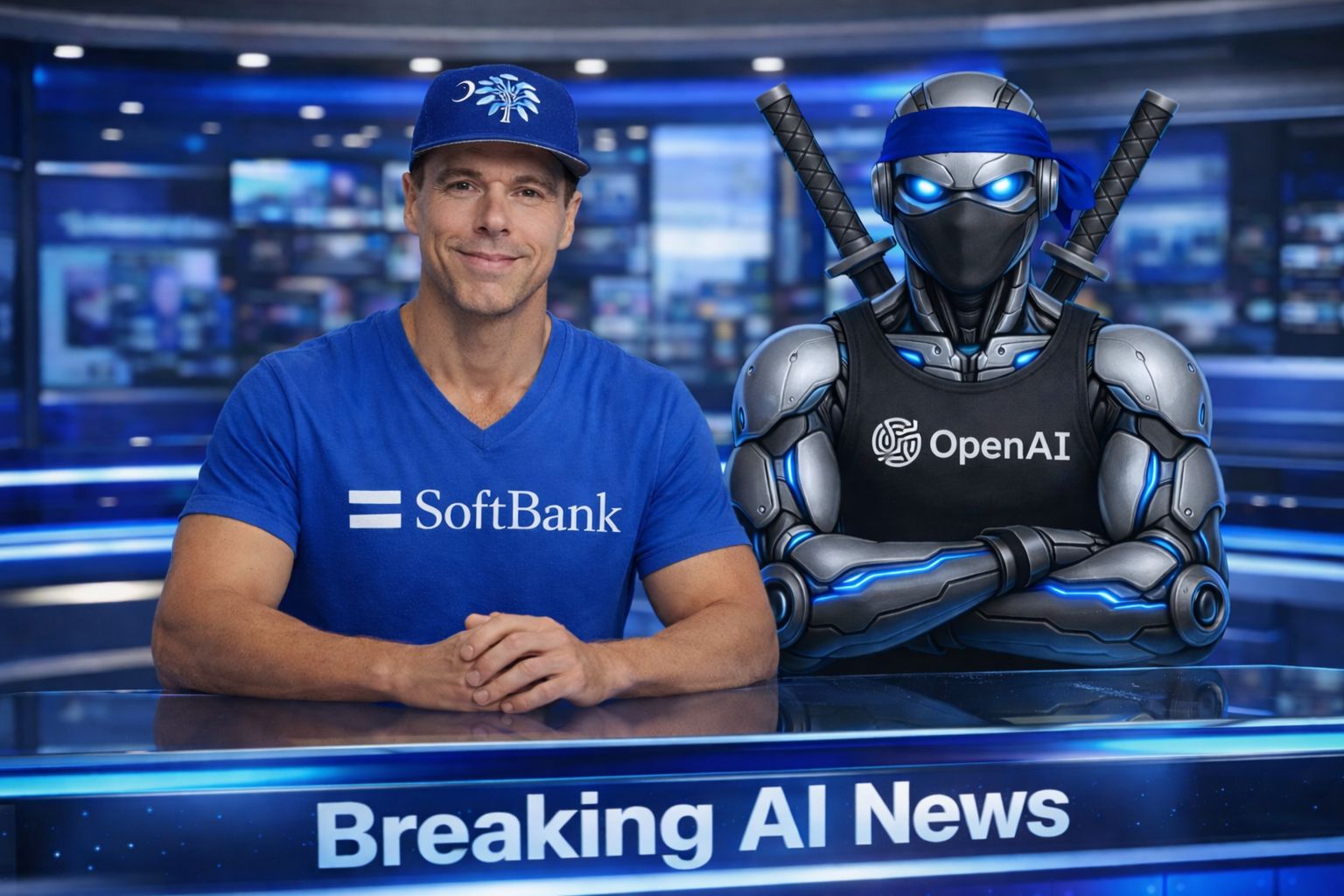
SoftBank Finalizes $40B Deal to Back OpenAI's AI Push
Why It Matters → Solidifies one of the largest private tech deals ever, giving OpenAI major funding to dominate global AI infrastructure.
China Proposes Strict Rules for Emotionally Aware AI Agents
Why It Matters → Shows China tightening rules on emotional “companion” AIs that chat with users, shaping global safety standards.
Microsoft Says 2026 Is Make-or-Break for Practical AI
Why It Matters → Signals a shift in AI focus from flashy demos to real-world value and responsible applications across industries.
Nvidia Eyes $3B Deal to Acquire AI21 for Talent Power
Why It Matters → Marks Nvidia’s move to absorb top AI talent as it builds dominance beyond chips into foundational AI development.
China Pushes Local Chip Tool Use in Quiet Policy Shift
Why It Matters → Reinforces Beijing’s tech self-sufficiency goals, pushing domestic equipment in response to U.S. export controls.
Elon Musk’s xAI Expands Supercomputer Campus in Memphis
Why It Matters → Boosts compute race with plans for 1M+ GPUs, highlighting the energy and infrastructure demands of next-gen AI.
Adobe Partners With Runway to Power AI Video Tools
Why It Matters → Integrates cutting-edge generative video tech into Adobe apps, advancing creative AI for pros and brands.
Alibaba Launches MAI-UI—Open GUI Agents for Mobile Apps
Why It Matters → Introduces open-source agents that control apps using language + screenshots, pushing agentic AI forward.
Zhipu AI Files $560M IPO Amid China’s AGI Race
Why It Matters → Highlights China’s leading LLM startup going public, seeking funds to compete globally in the AGI arms race.
Tencent Unveils Text-to-3D Human Motion Gen Model
Why It Matters → Adds a new open-source tool to animation and game workflows, showing rapid growth in generative 3D AI.
AI TUTORIAL
How to Turn Any Image into a Natural Lip Sync Video in Design AI

1. Open Design AI
Go to: https://designs.ai
You will use:
AI tools > Text to image
AI video
Lip sync
2. Create a stable front facing image
AI tools > Text to image
Model: Nano Banana Pro
Quality: 4K
Aspect ratio: 16:9
Prompt must include:
Subject type (human, stylized character, pet, robot)
Front facing, centered, clear mouth, well lit
Simple or softly blurred background
Only click Upscale if the image looks soft. Save the final image.
3. Path A: Image to lip sync
Use for a static talking portrait.
Open Lip sync.
Mode: Pick a face image
Settings: 1080p, Pro
Audio panel:
Pick voice that fits the character
For realistic humans, choose a calm natural voice
Type script and Generate the voice over
Timeline:
Image on video track
Audio under it
Image duration must equal audio duration
Generate and export.
4. Path B: Image to video then lip sync
Use when you want motion or multiple scenes.
4.1 Neutral motion video
AI video > upload image as start frame.
Suggested models:
Hyperreal human: Minimax Halo 2.3, 768p, about 10 s
Animated pet: VO 3.1 fast, 1080p, about 8 s
Robot: Cling 2.5 turbo, about 8 s
Prompt: face toward camera, steady eye contact, slow smooth motion, no sudden moves or zooms.
Generate and save the video.
4.2 Lip sync that video
VO 3.1 fast videos: click Lip sync under the player.
Other videos: in Lip sync choose Upload a face video and upload the clip.
Settings: 1080p, Pro
Upload or generate clean audio:
Audio length must be less than or equal to video length
Align so speech starts when face is stable and visible
If lips look off, nudge audio slightly left or right and regenerate.
Export the final lip synced video.
5. Micro checklist
Face front facing, centered, lit, mouth visible
Motion smooth and simple
Audio fits inside video and is aligned
Adjust by sliding audio, then regenerate if needed
BRAND NEW RELEASES
I slice through the noise to bring you the best and coolest new AI tools worth your time.
Akrivi → Adobe Illustrator plugin that instantly generates polished, professional brand guidelines from your logos, colors, and fonts.
Vibe Pocket → cloud platform for running AI agents, enabling you to connect GitHub and seamlessly build or code from any device.
Buzz → connects to your Meta Ads account so you can chat with your ad data, get insights, and generate performance reports instantly.
ShipAddons → boilerplate that helps developers quickly build and ship Google Workspace add-ons with built-in auth, billing, and setup.
JetBrains → creates intelligent development tools and IDEs for programmers to write, debug, and manage code efficiently.
That’s a wrap!
Have a safe and happy New Year’s! I’ll see you in your inbox Friday at 12 PM Eastern Standard Time.
Brad Gaines @NinjaAiTools
What did you think of this newsletter? |